Foldleaf Reader
PDF & EPUB, pages that turn.
For iPad, iPhone, and iPhone Duo.
★★★★★
“As an academic who reads papers, reviews, textbooks, lecture notes and other documents extensively, I must’ve tried every PDF reader across Android, Windows, and iOS. Either they were nice and simple with a clean interface but lacked basic essential features for power users like me (even something as simple as a back button in some cases..) or they were fully featured but with overly cluttered interfaces, account sign-in prompts, unnecessary AI and other bloated add-ons. This is finally the perfect one for me that balances simplicity with utility in a customisable package with a beautiful distraction-free reading experience.”
★★★★★
“Amazing. My favourite PDF reader for taking notes on papers. I used PDF expert and Notability before but they were expensive subscriptions with many features I didn’t need. Other free readers were frustrating, this is perfect!”
★★★★★
“Love the pages turning effect! Just like the one in Apple Books but for reading and annotating PDFs too.”
★★★★★
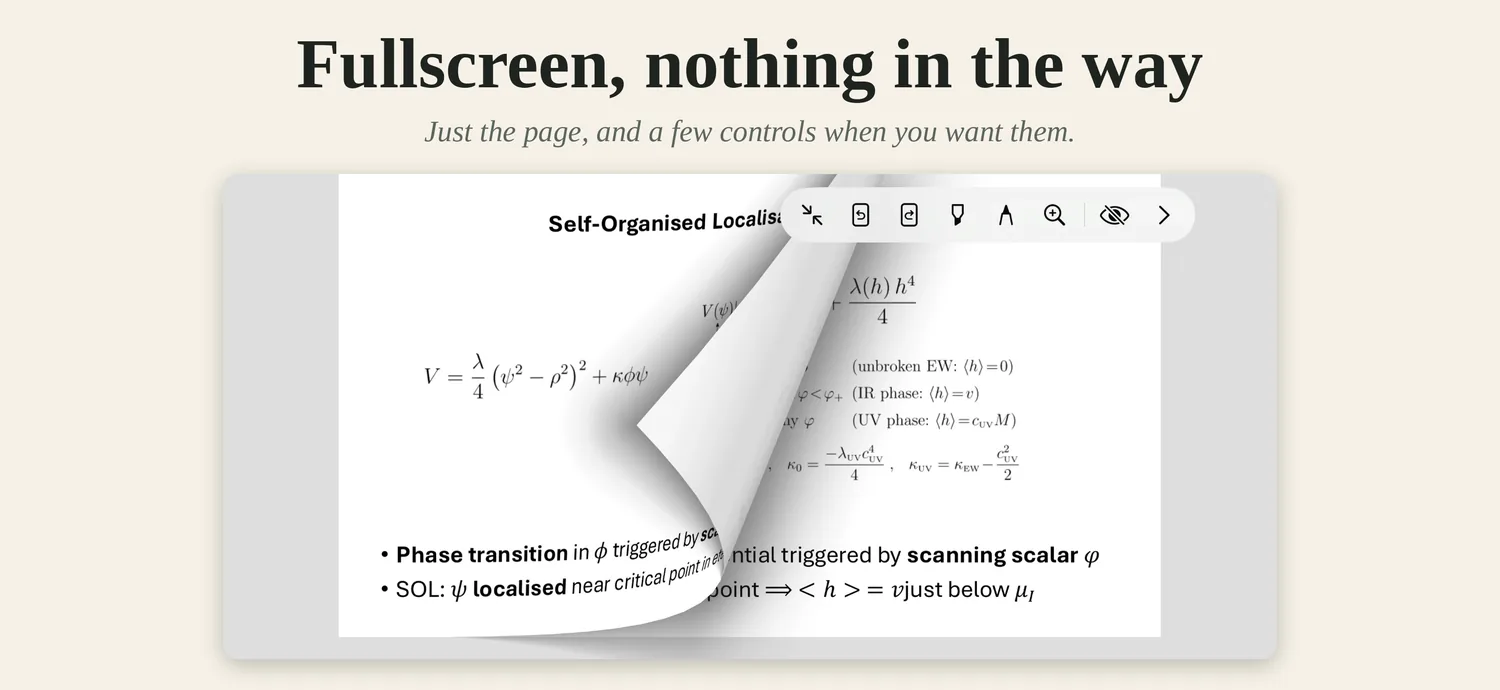
“I’ve tried many apps for reading PDFs and taking notes on them and this is by far the best one. It has all the features that I need for navigating documents and writing with the pencil on them. Underlining by holding down the pen is pretty neat too. The UI can be completely hidden when fullscreen which I appreciate when I want to focus on reading and highlighting.”
★★★★★
“Génial, j’adore lire dessus !”
★★★★★
“Probably the best pdf reader out there. Love the quiet design, the attention to detail and the granular settings that let me set it up exactly how I want, across iPhone and iPad.”
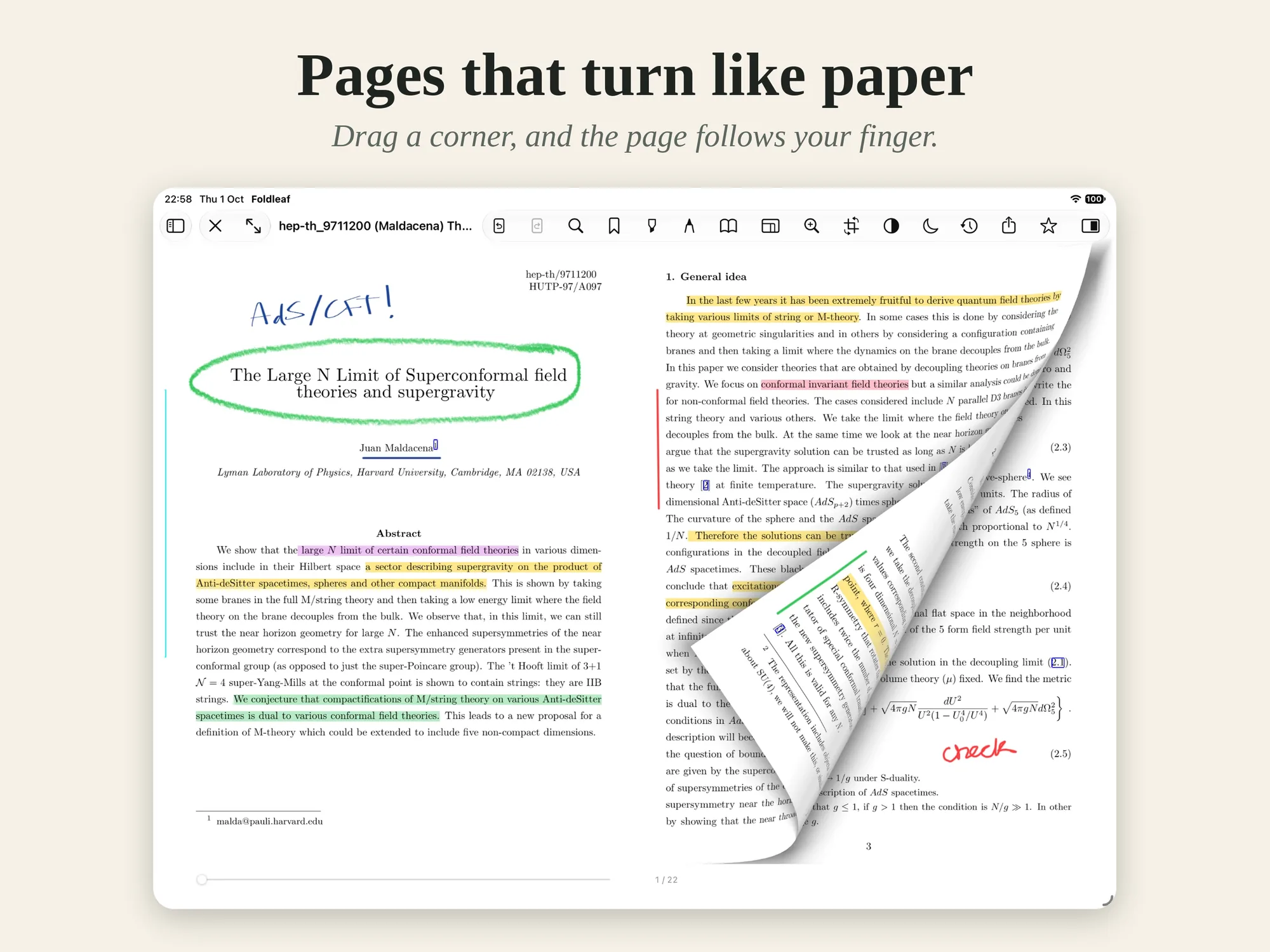
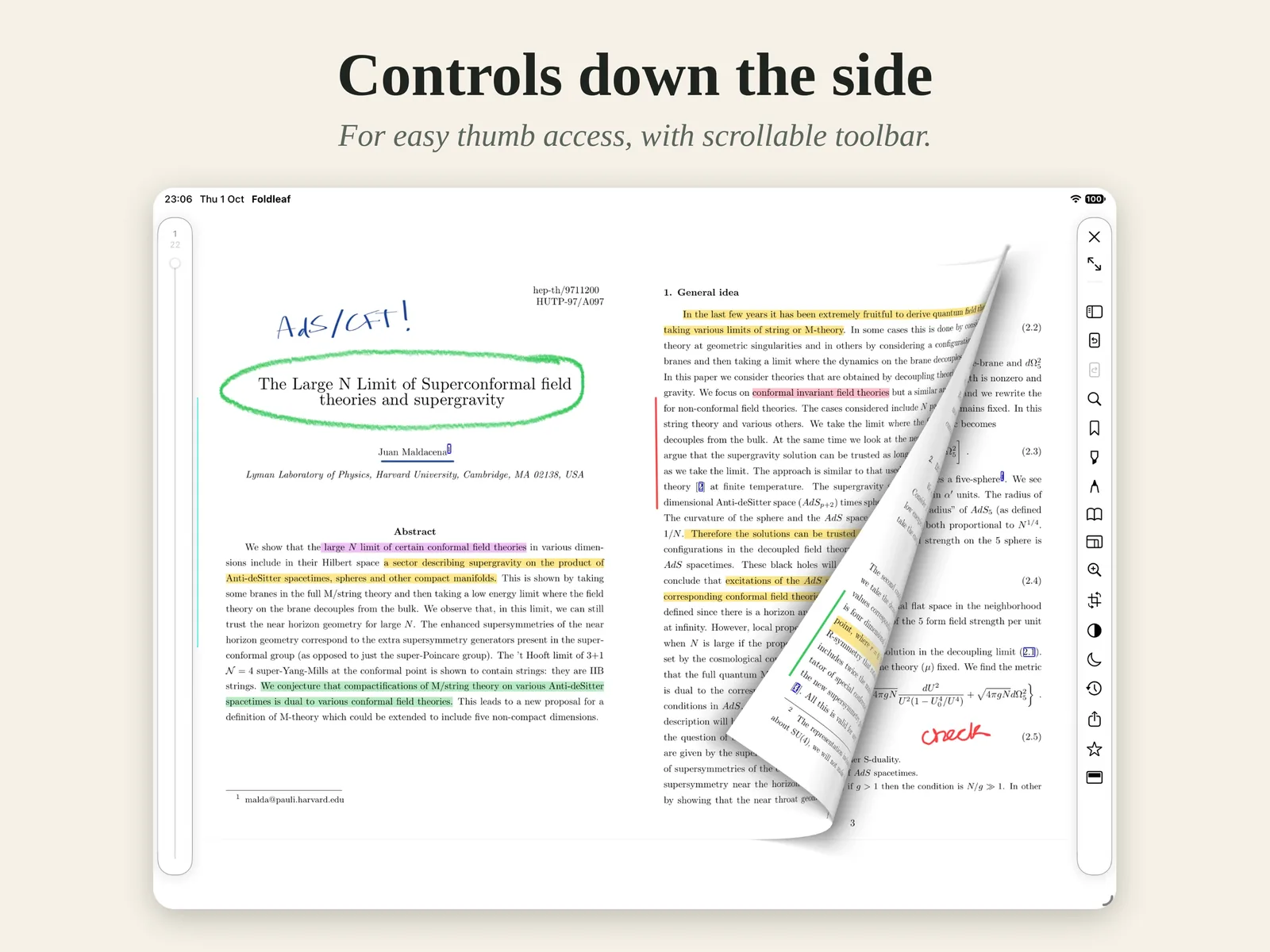
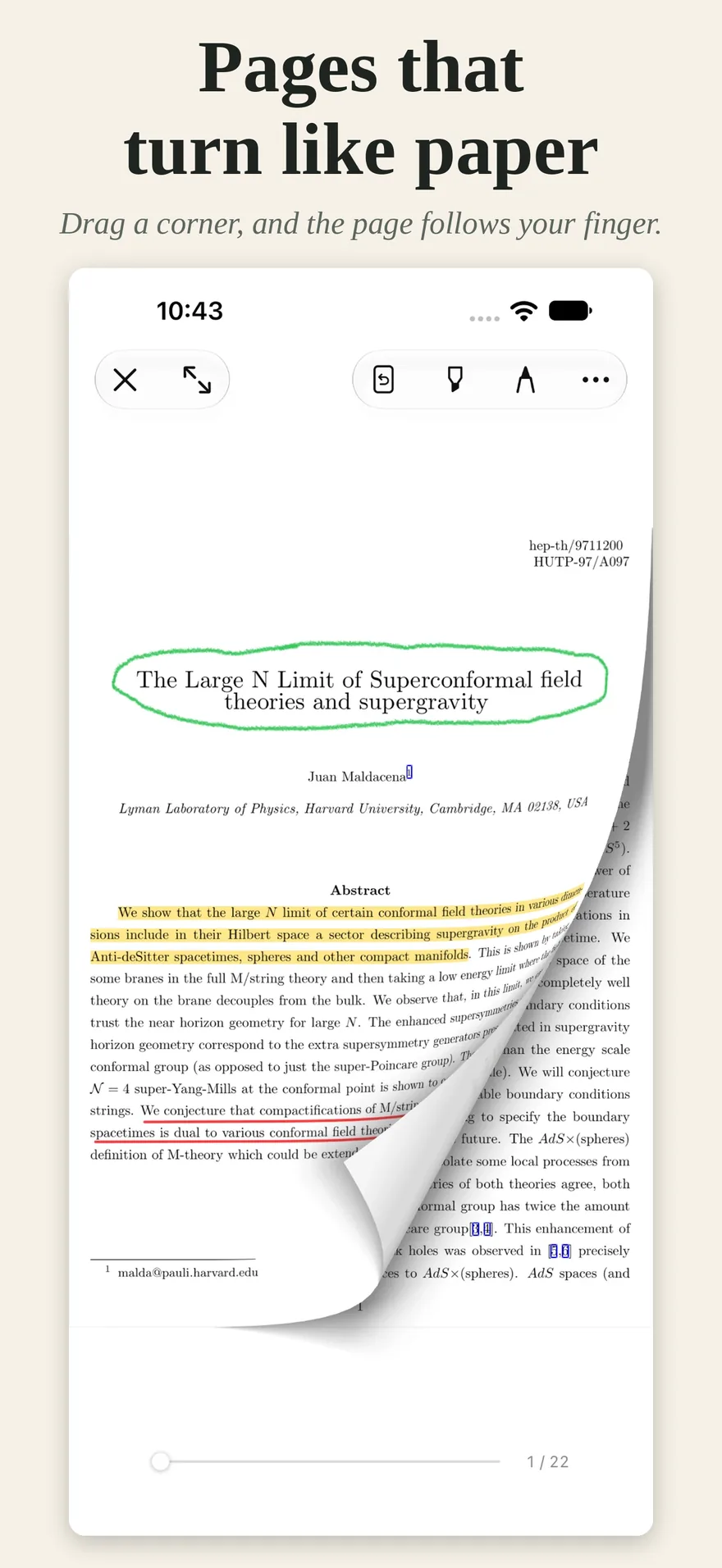
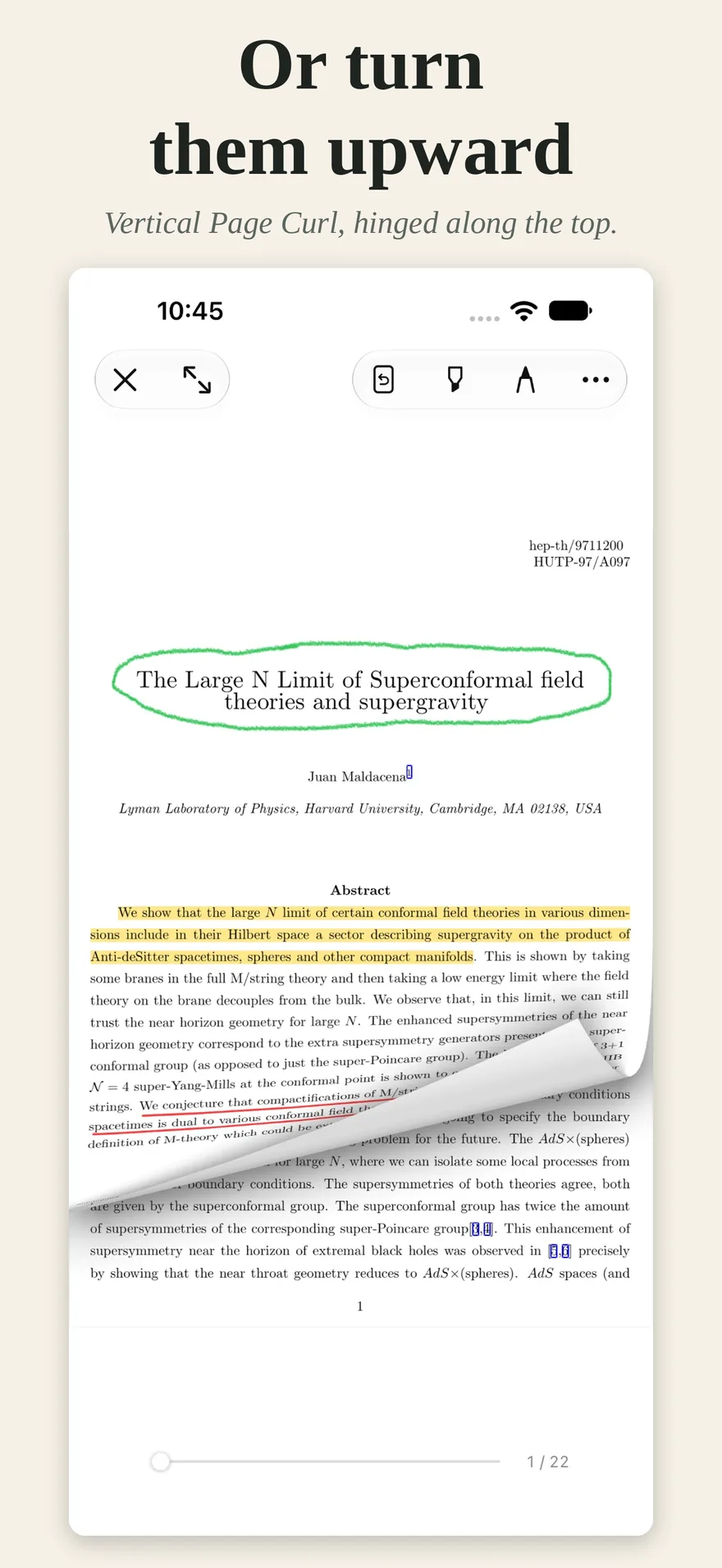
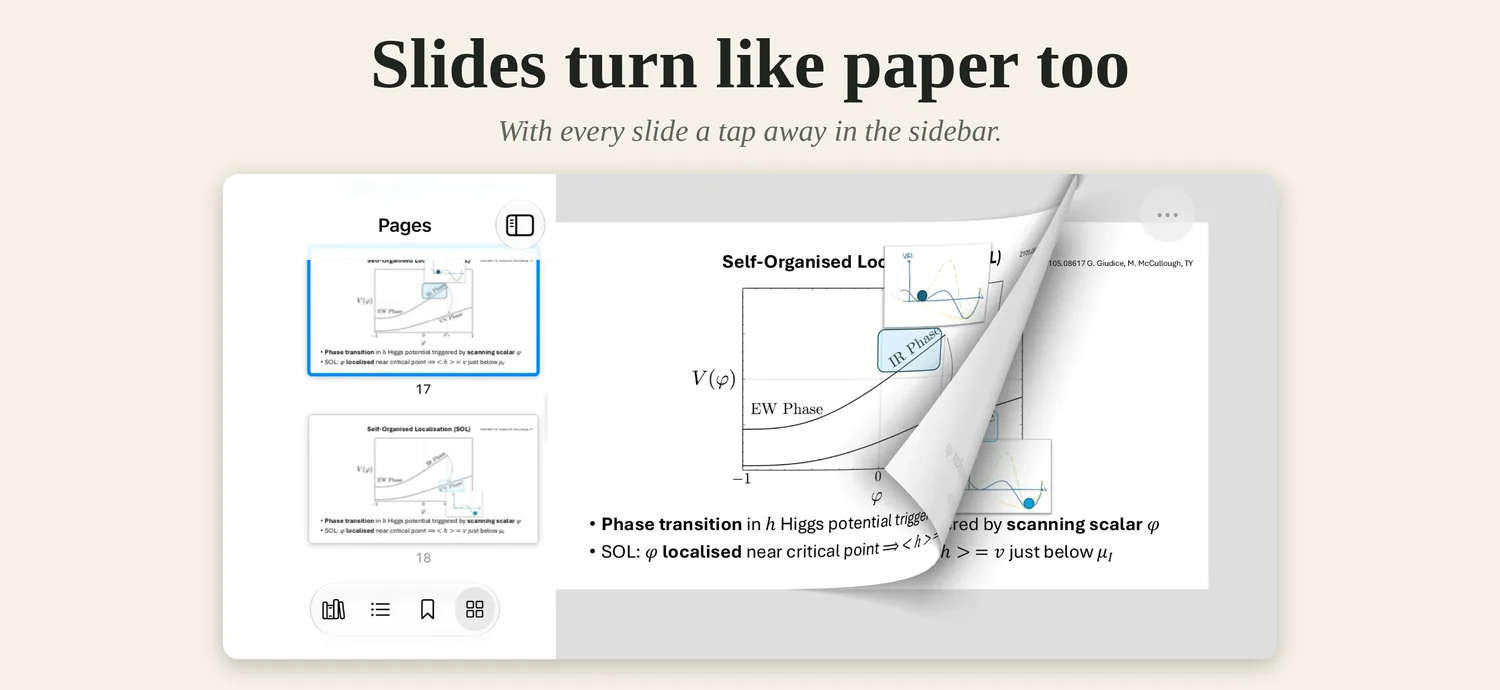
A reader that treats a document as paper. Pages turn with a curl. Margins crop away once, for good. And the pen stays where you put it.
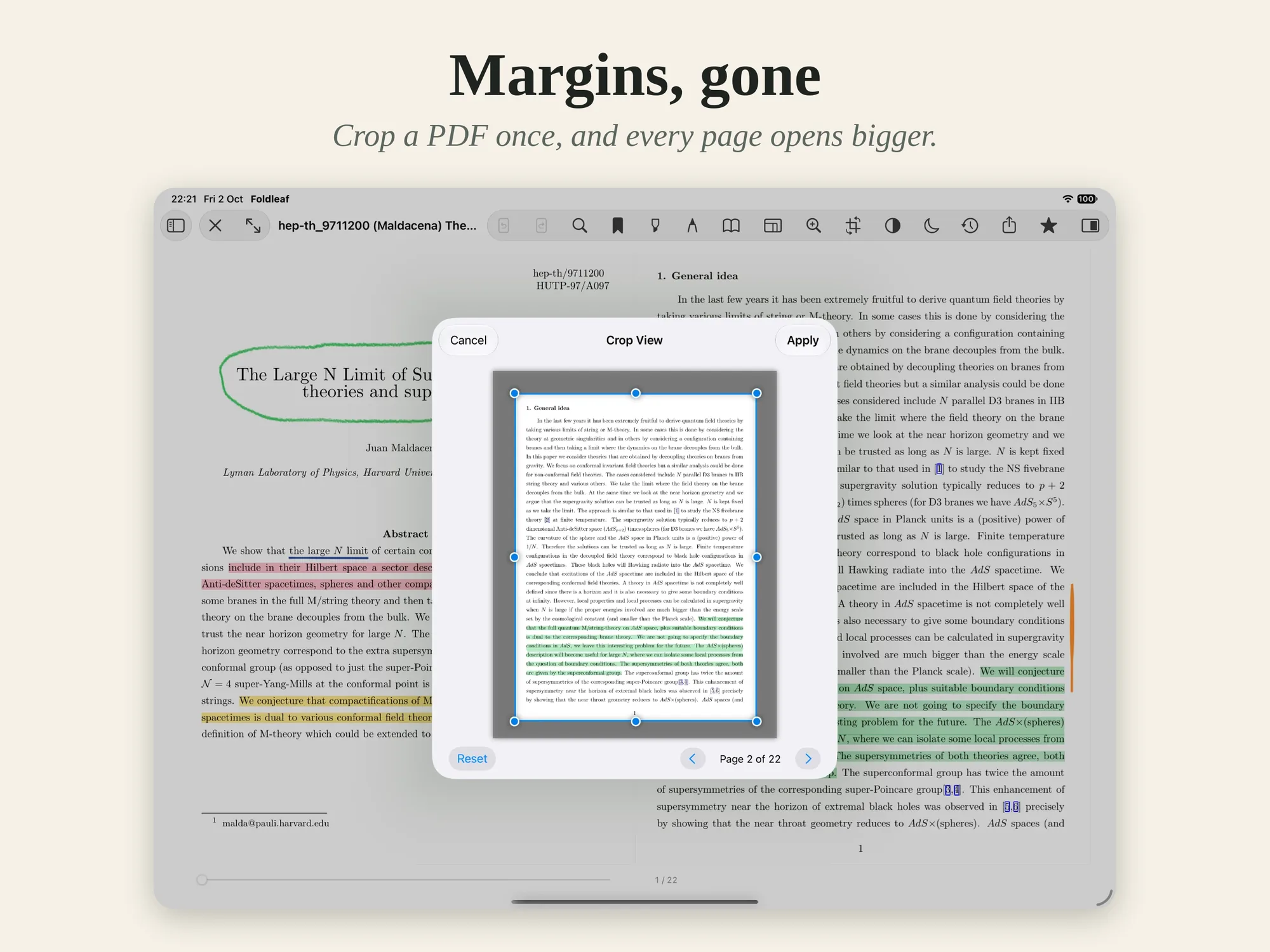
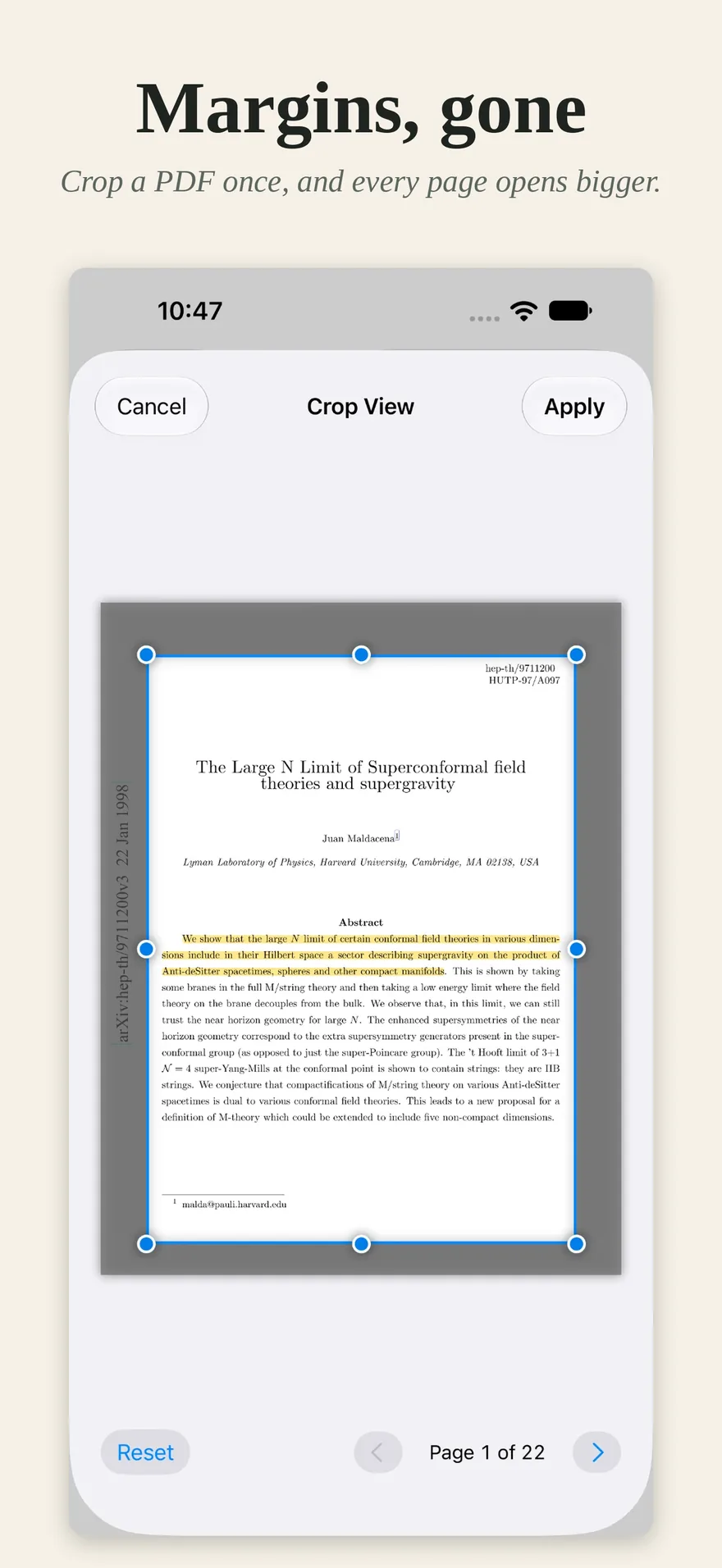
Crop View
Most papers waste a third of every page.
Draw a rectangle round what matters, once, and the whole PDF opens that way from then on. Zoom Lock keeps your framing steady as the pages turn.
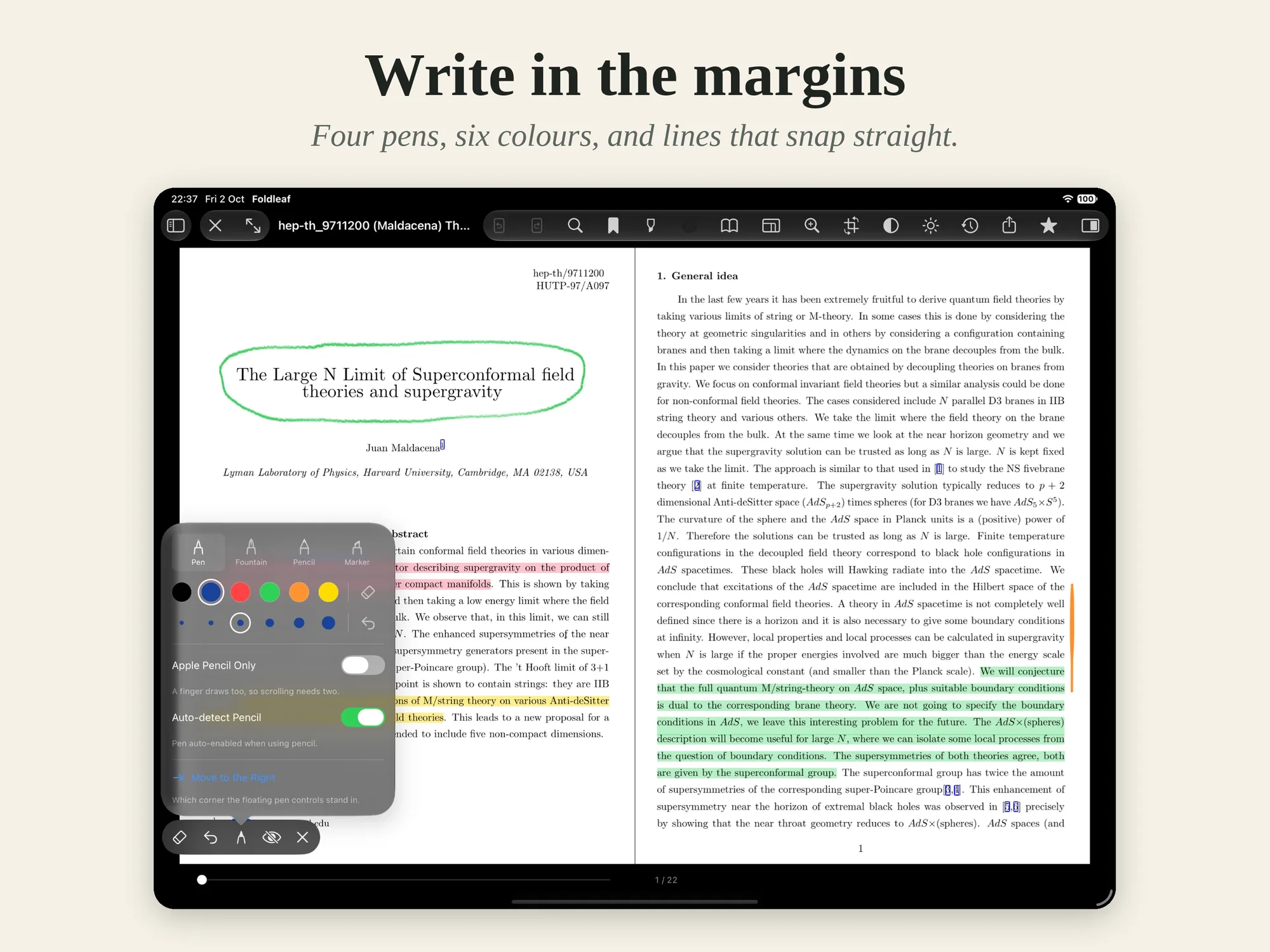
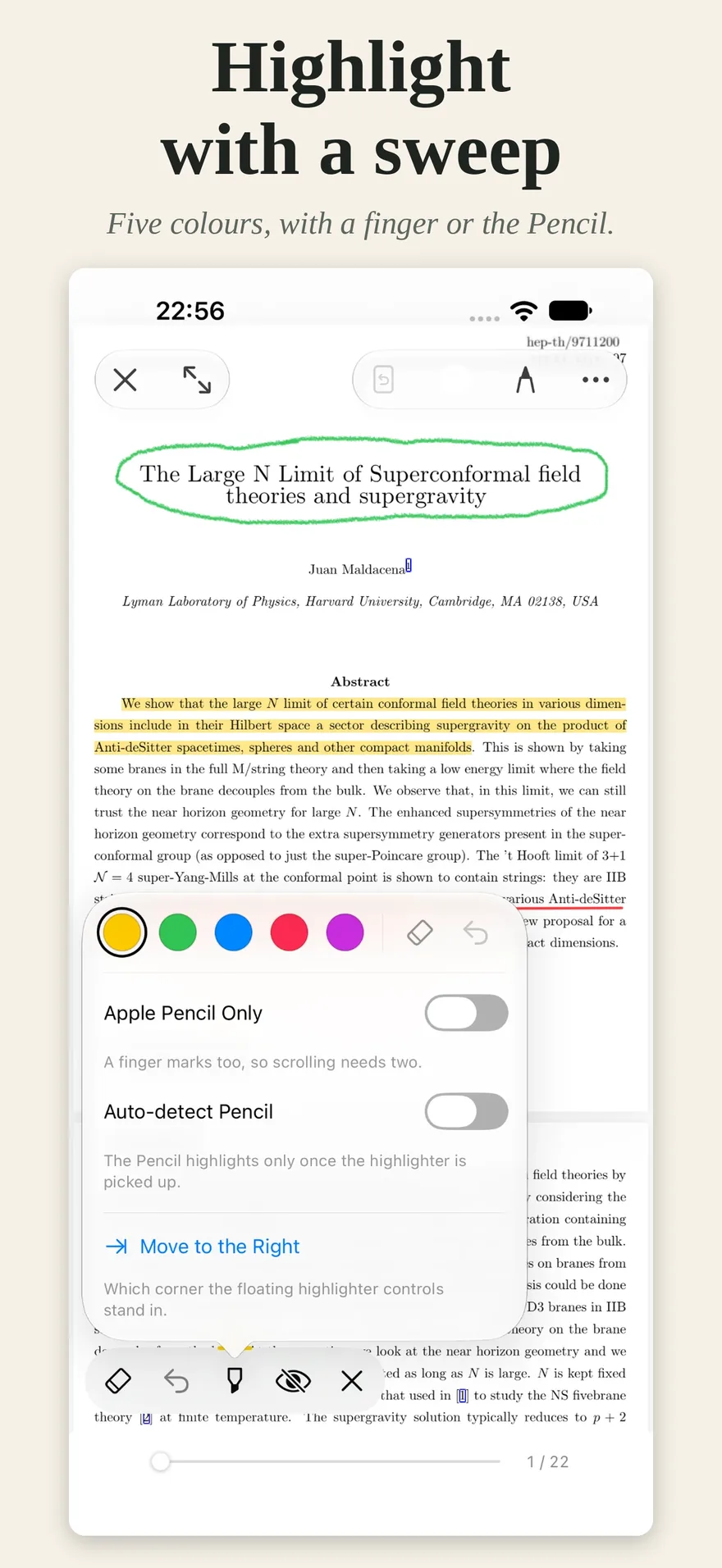
Apple Pencil
A pen that behaves like one.
Pen, fountain pen, pencil and marker, each answering pressure and tilt in its own way. Hold still at the end of a line and it snaps straight. Double-tap the Pencil for the rubber.
Built in
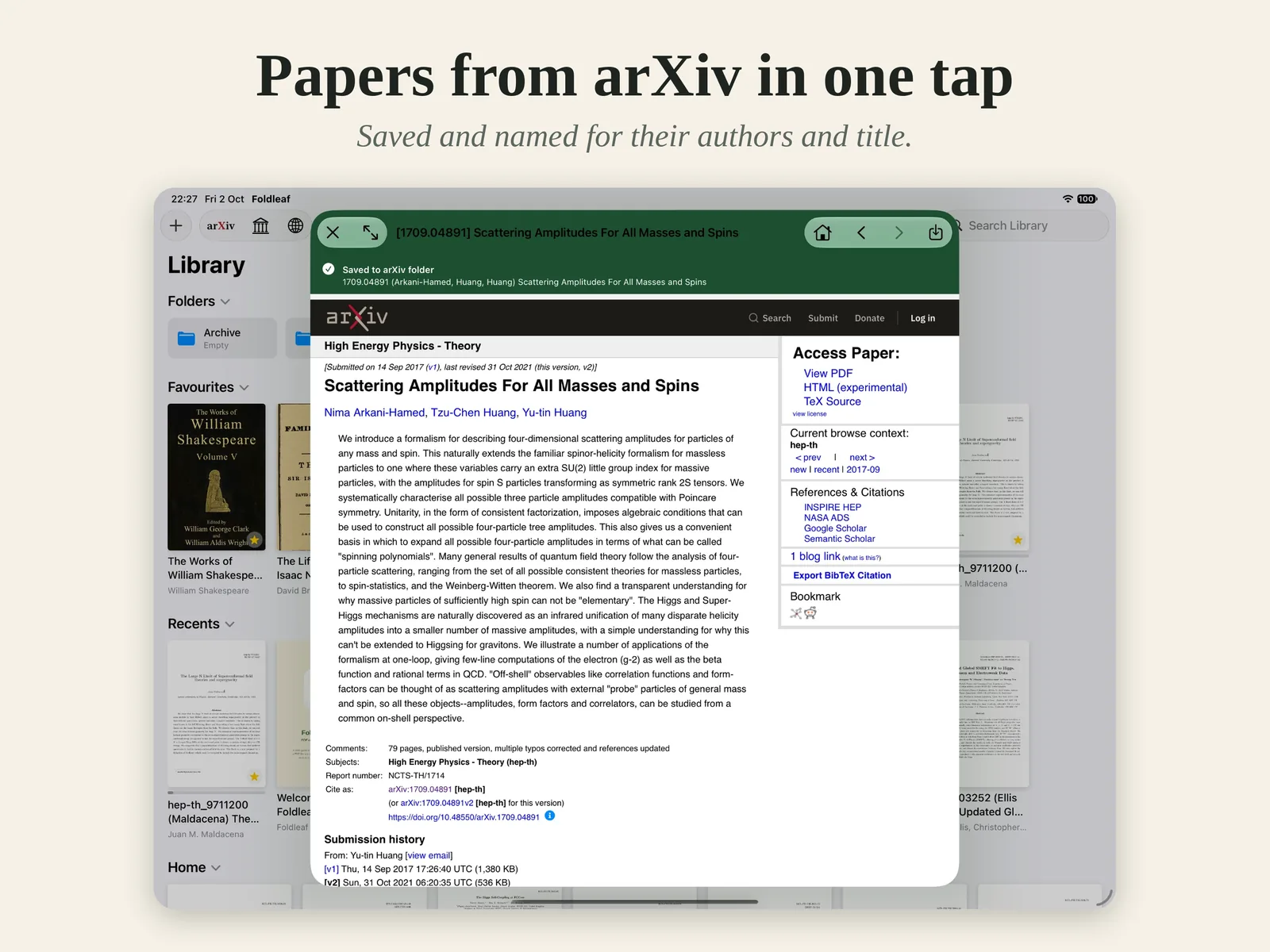
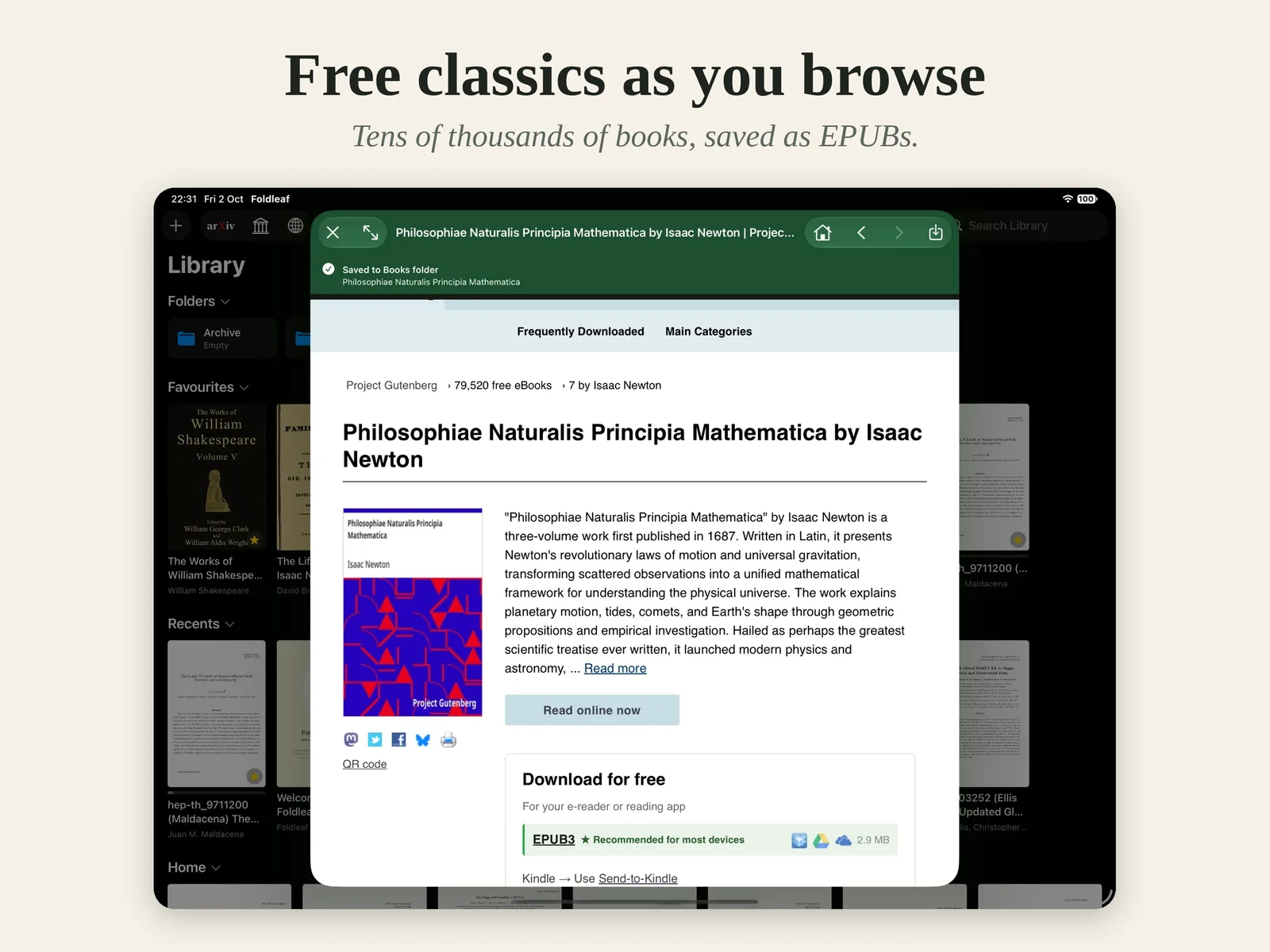
Papers and books, a tap away.
Browse arXiv and save a paper named for its authors and title. Save any of Project Gutenberg’s tens of thousands of free books as an EPUB. Or bring your own from Files.
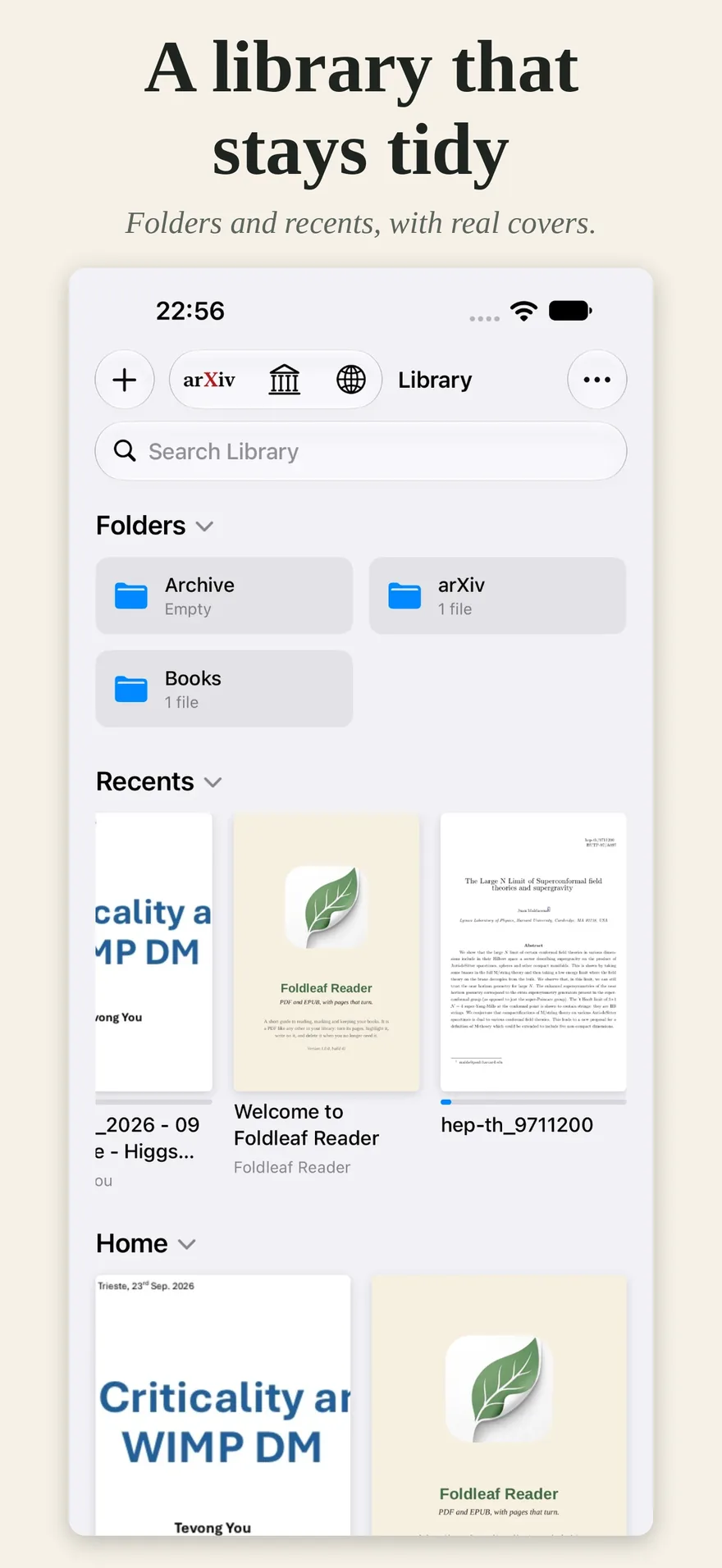
Library
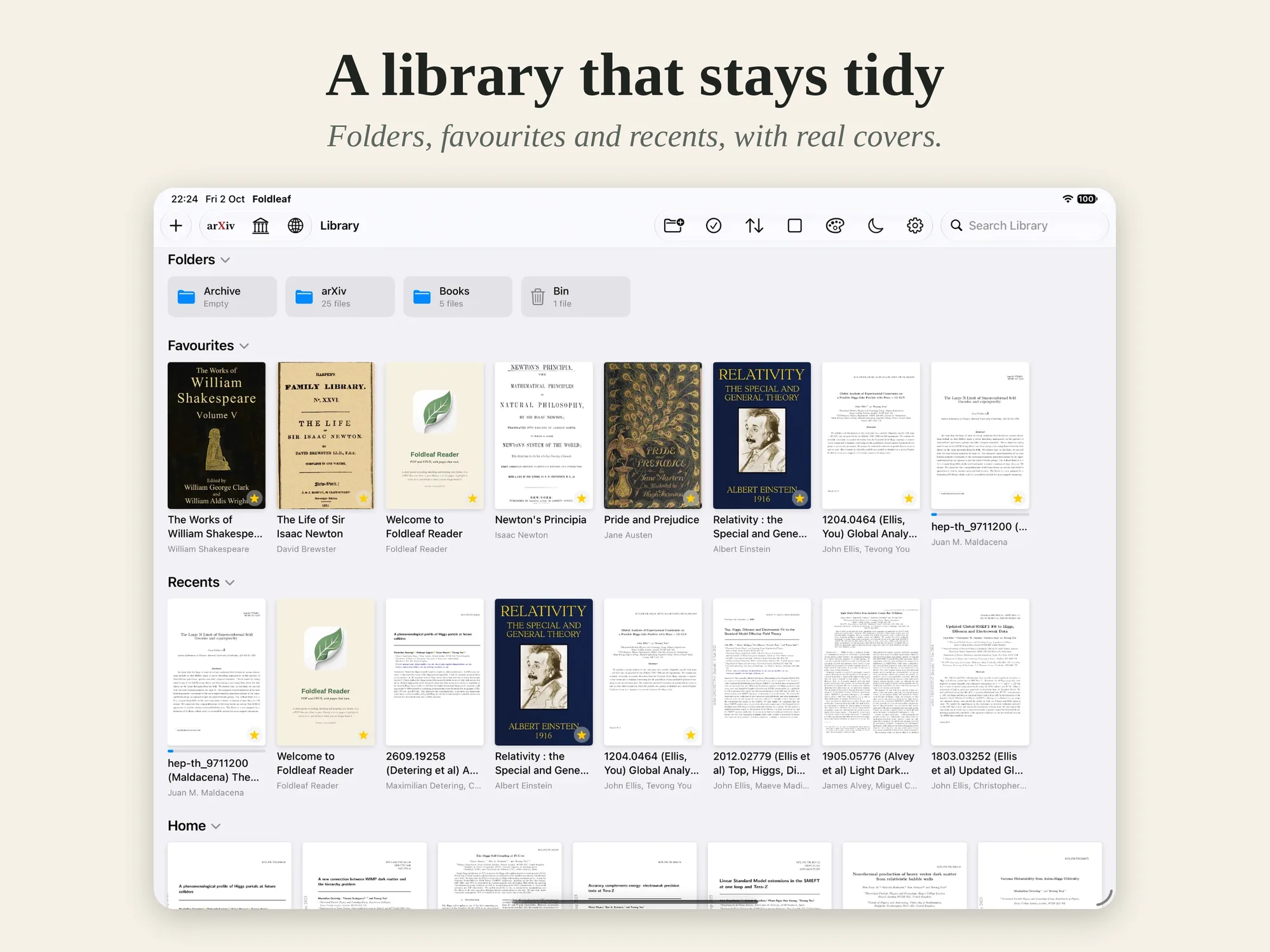
Everything in its place.
Folders, favourites and recents, shown by their covers. Search titles, authors and the books themselves. Deleted books wait a week in the Bin, in case you change your mind.
Made for reading
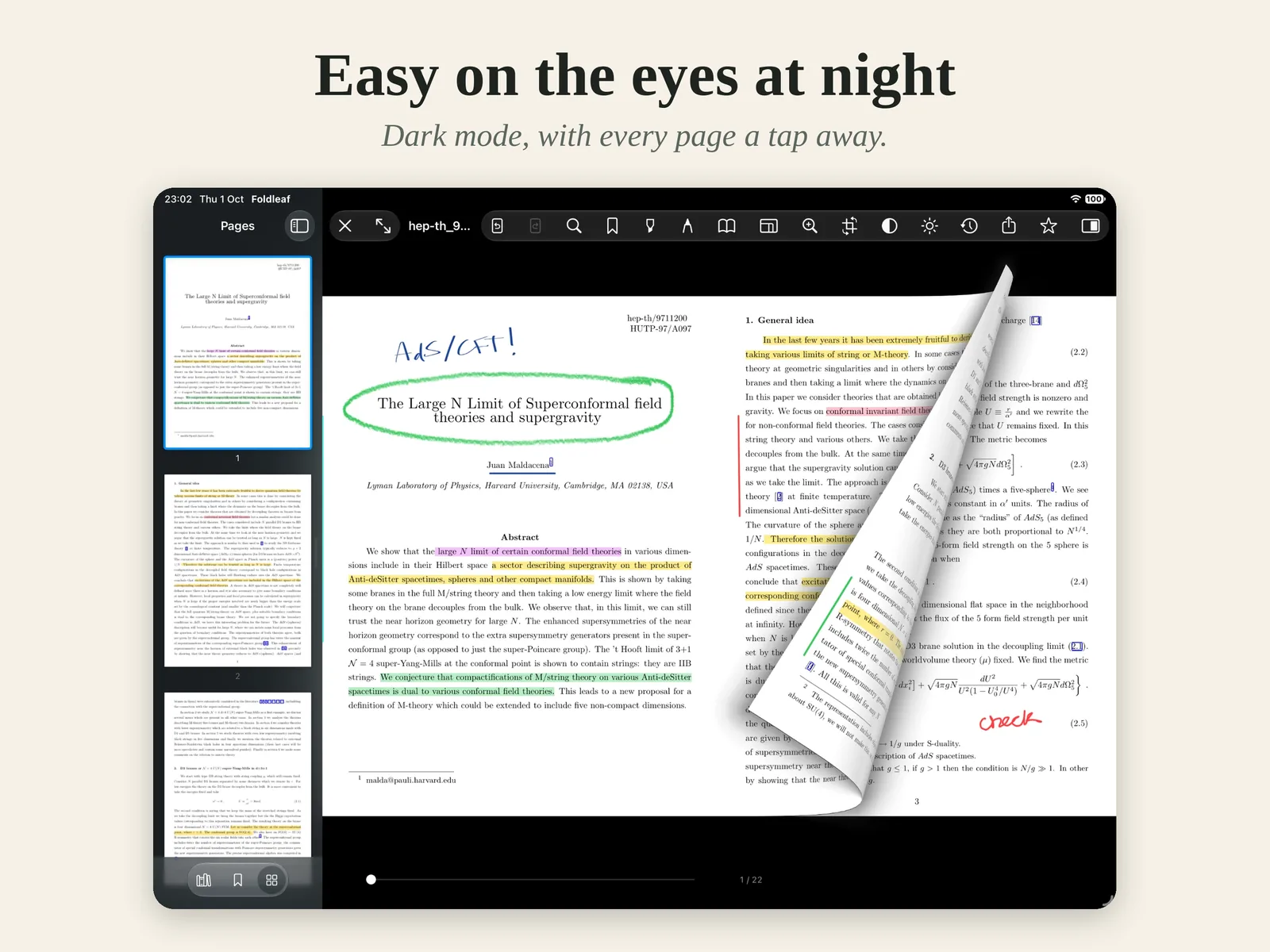
Read it your way.
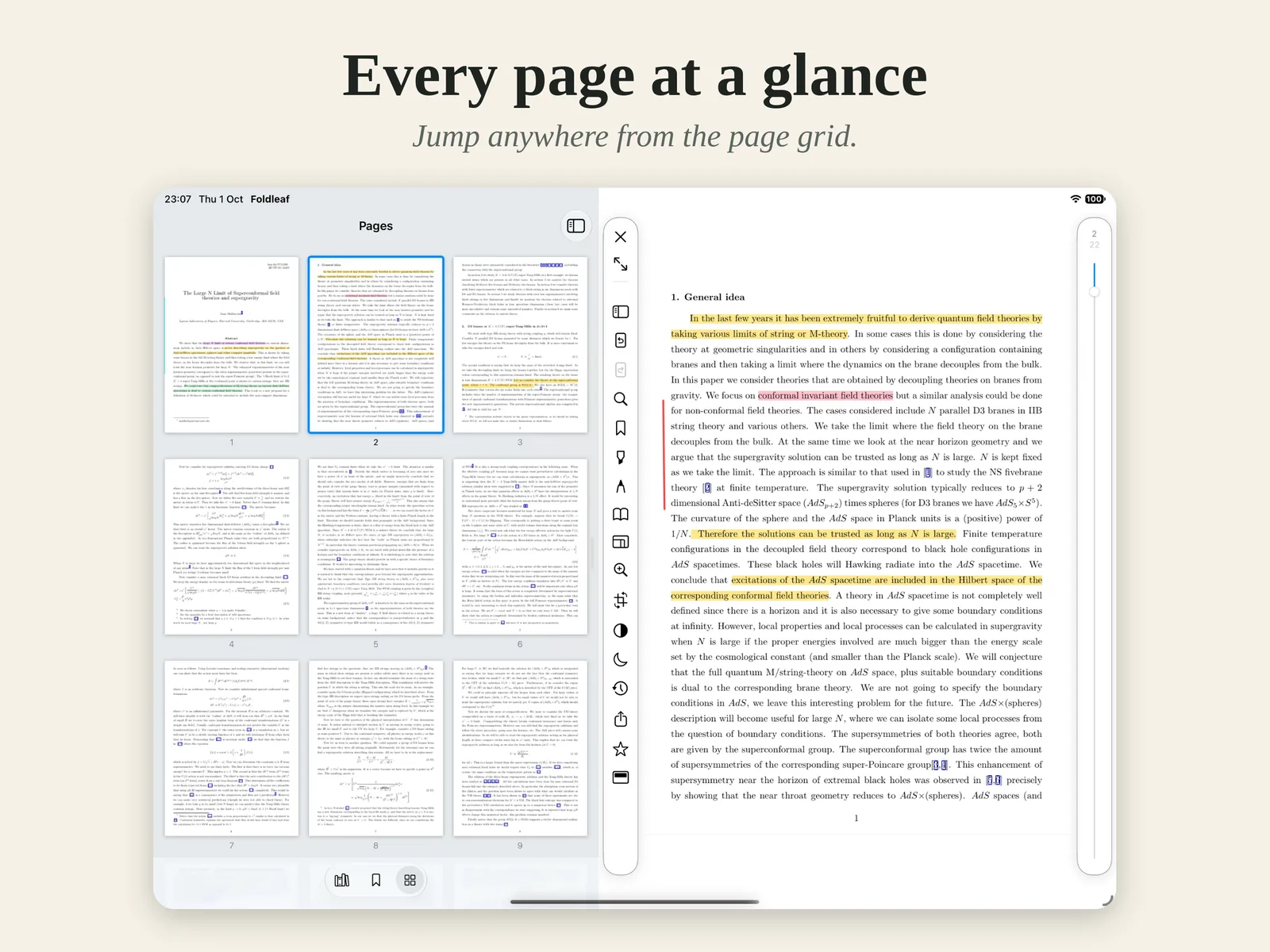
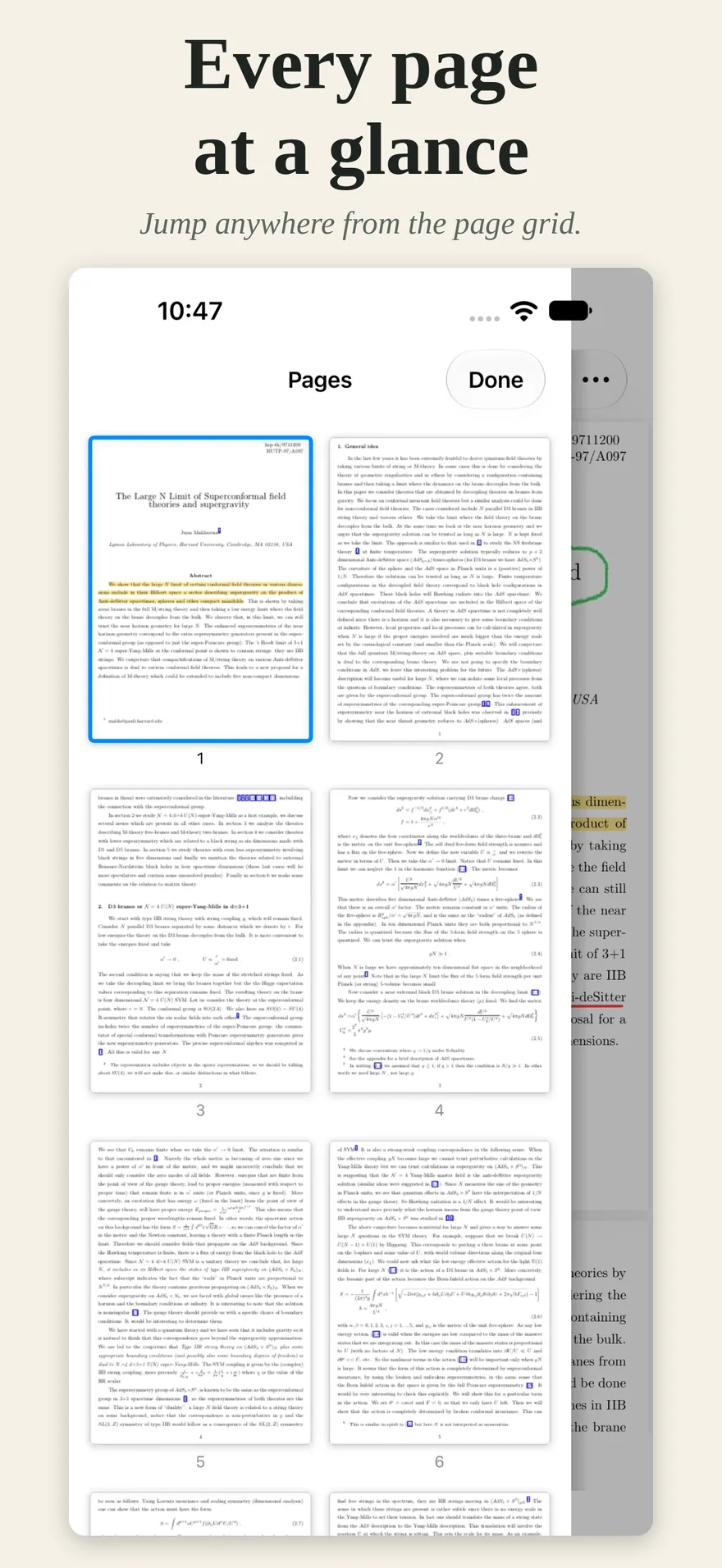
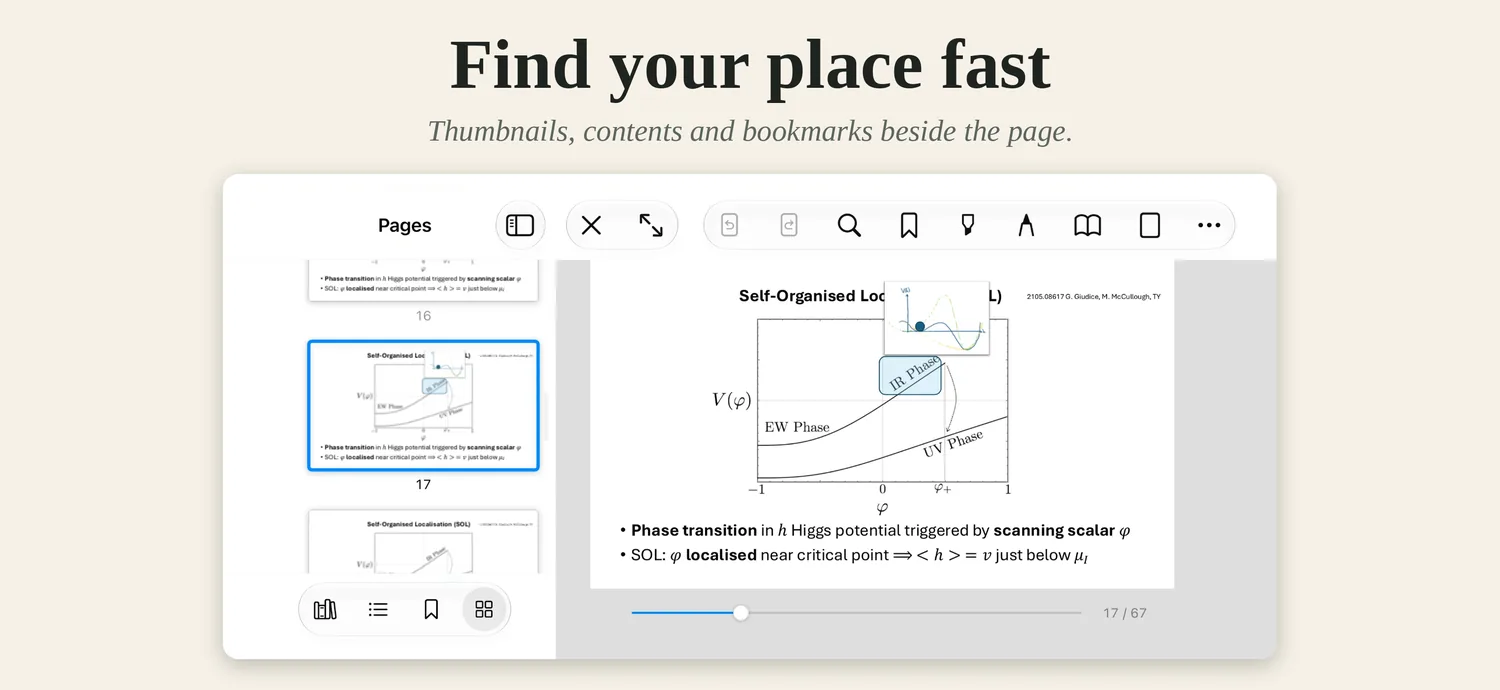
Light or dark, controls along the top or down the side, and every page a tap away.
iPhone
All of it, in your pocket.
The same library, the same pages that turn, the same pen and highlighter, sized for one hand.
Turn it sideways, and slides fill the screen.
The small print, in large type.
PDF and EPUB
One library for both, with the same highlights, bookmarks and reading positions.
Private by design
No account, no sign-in, no tracking, no analytics. Your library stays on your device.
Try everything free
Every feature, free for 14 days. Reading, your library and everything you have marked stay free after that.
One purchase
Unlock the rest once, on your iPhone and iPad alike. Not a subscription.
Share what you write
Ink and highlights are saved as standard PDF annotations, readable in Preview, Acrobat and elsewhere.
Help by email
Questions and suggestions are answered by email, usually within a couple of days. Get in touch.
iPhone Duo
Coming soon.
Pages that turn.
Foldleaf Reader, for iPad, iPhone, and iPhone Duo.