
Press
Everything for writing about Foldleaf Reader: the facts, the story in a paragraph, and images to use.
Press kit
Screenshots, icon and fact sheet
Download the press kit (9 MB, ZIP)Writing a review? Ask for a code that unlocks everything.
In a sentence
Foldleaf Reader is a PDF and EPUB reader for iPad, iPhone, and iPhone Duo, with pages that turn like paper, margins cropped away once for a whole document, and a pen and highlighter for the Apple Pencil.
In a paragraph
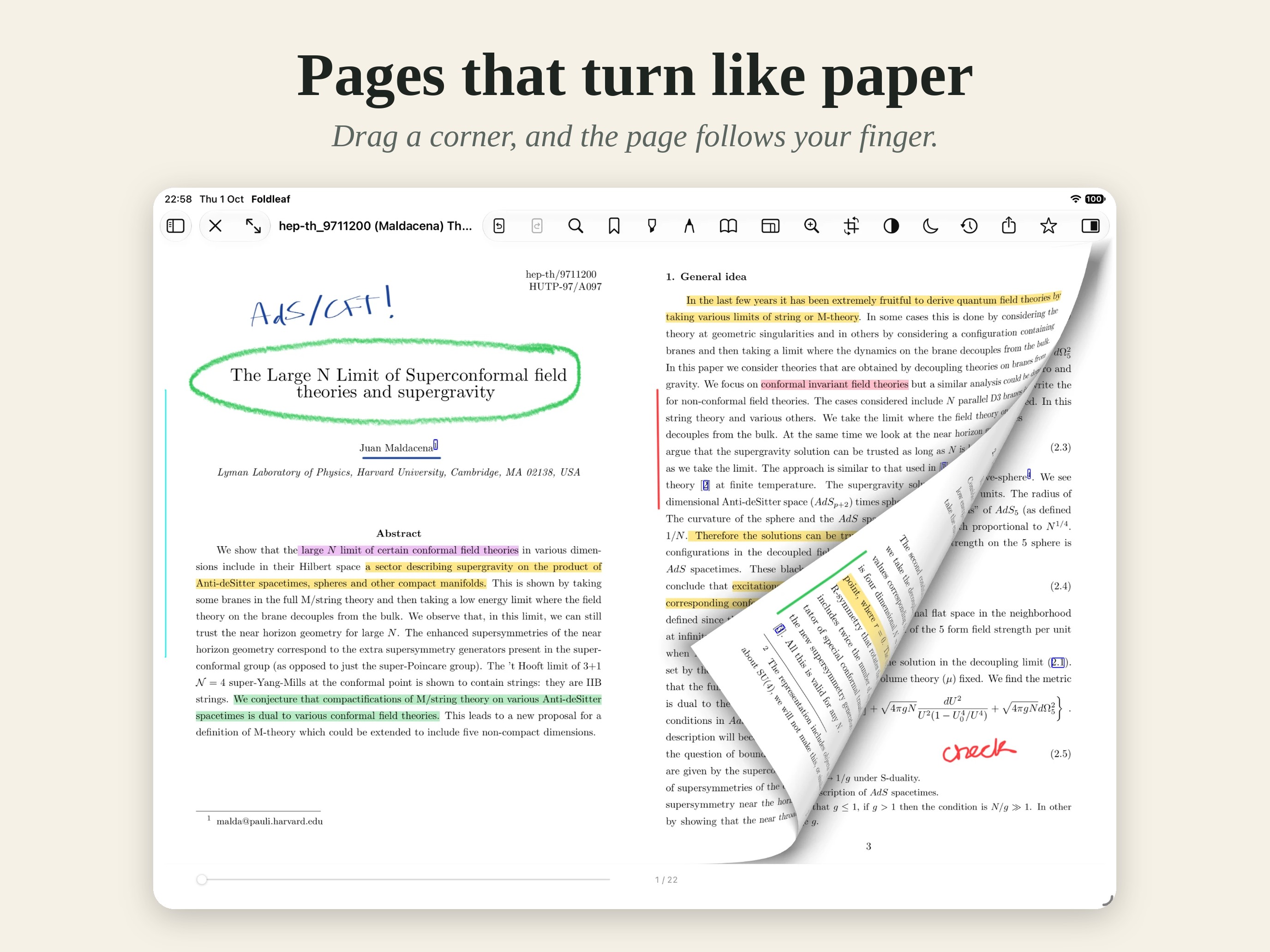
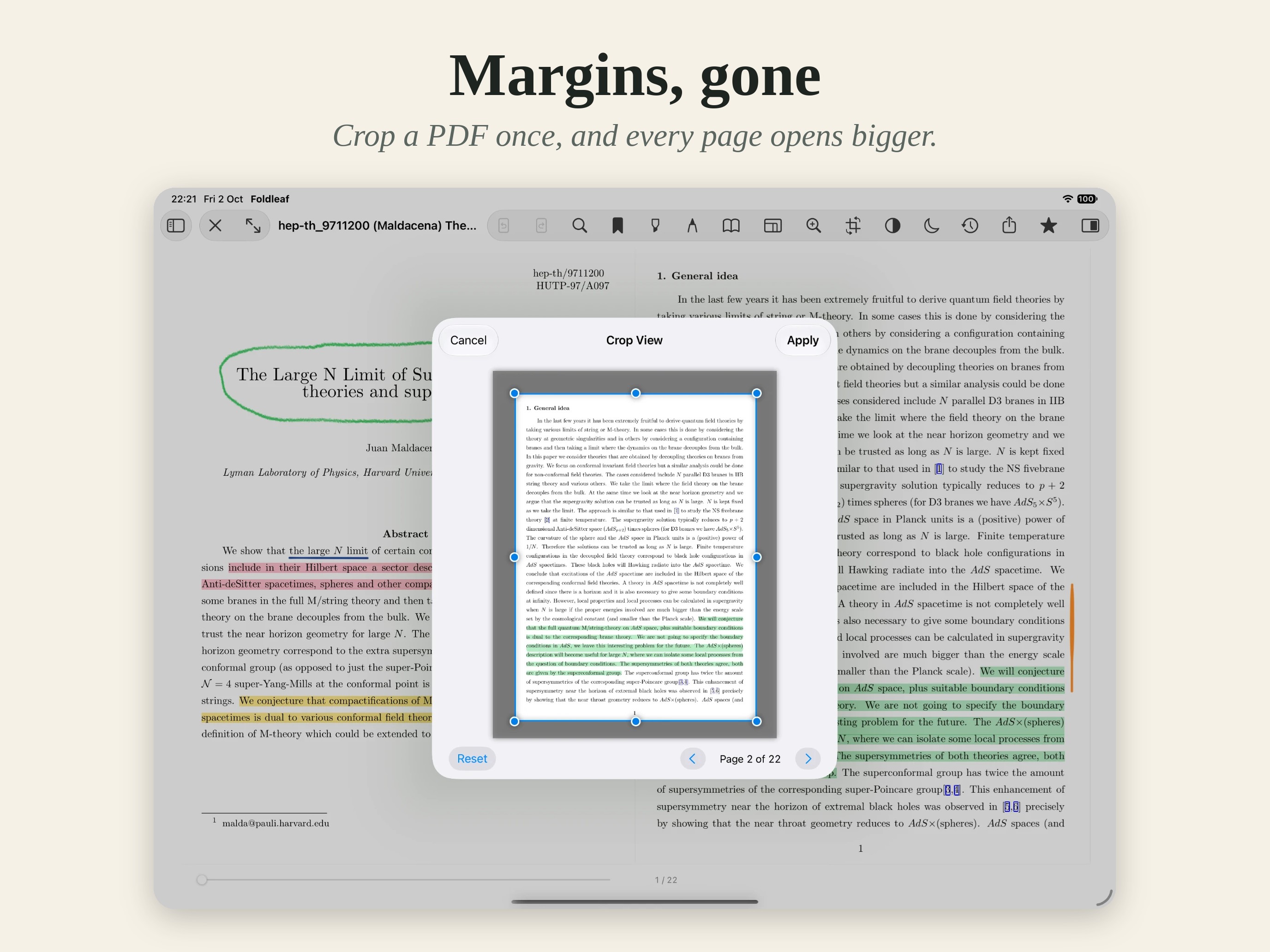
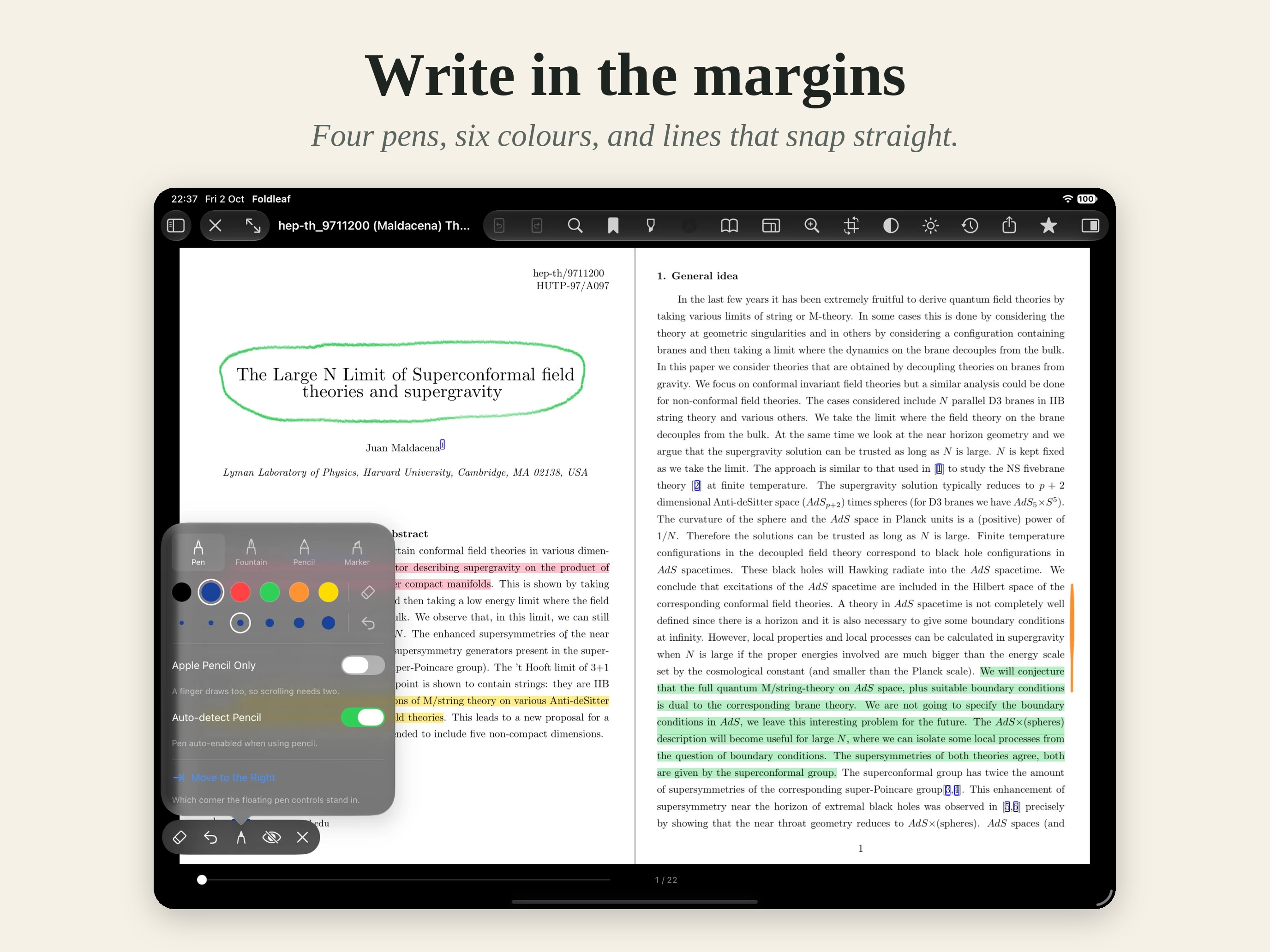
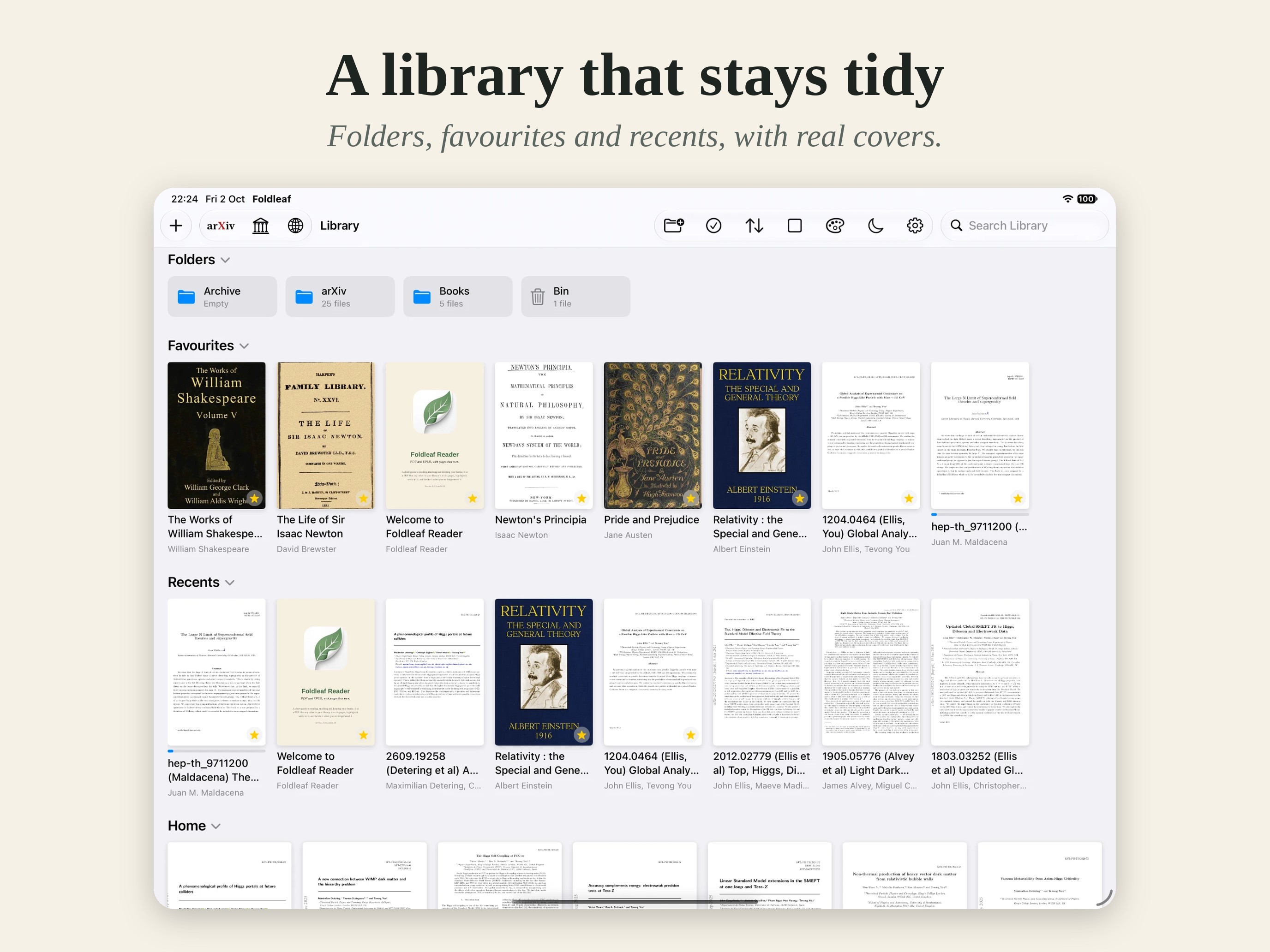
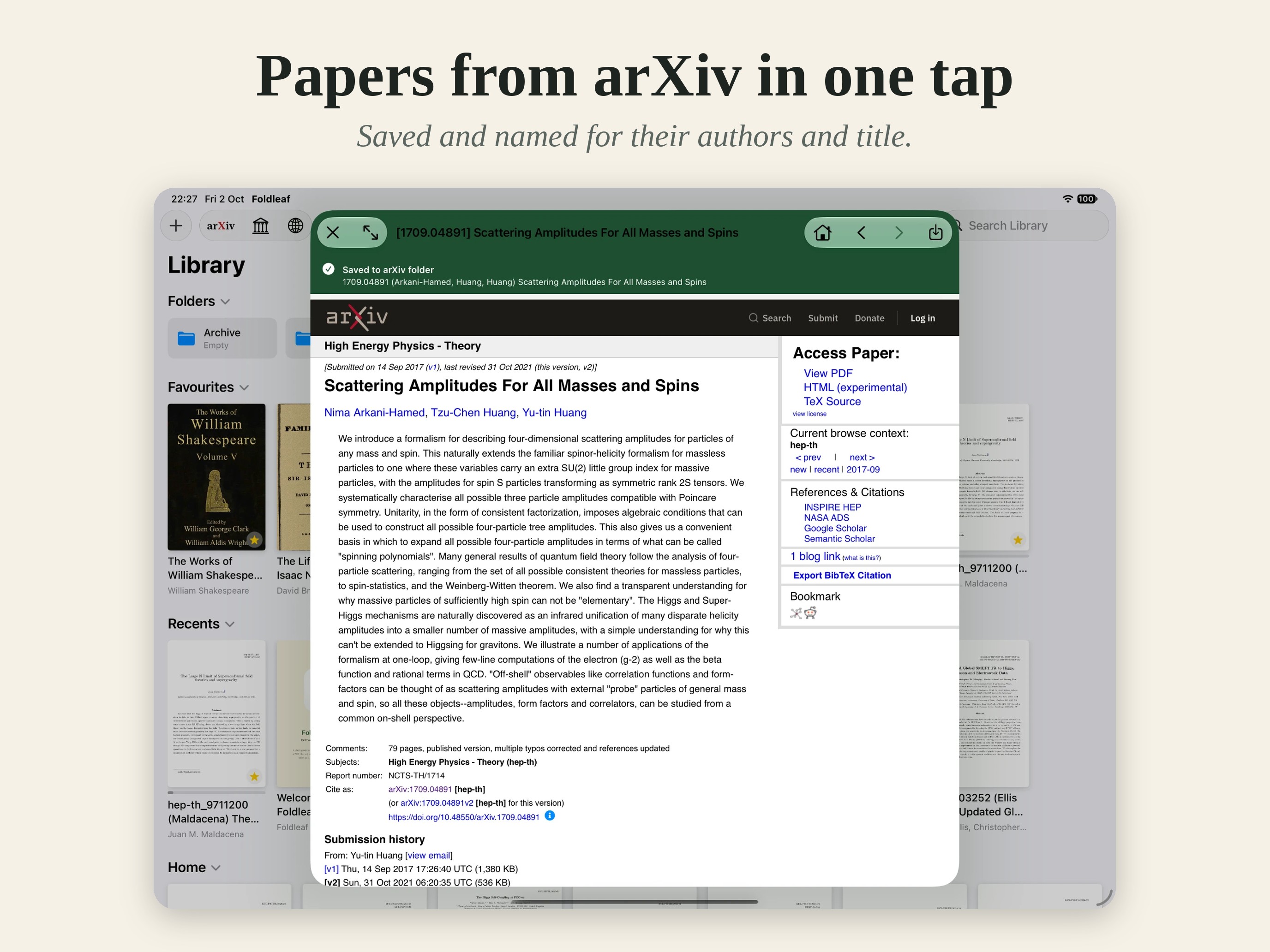
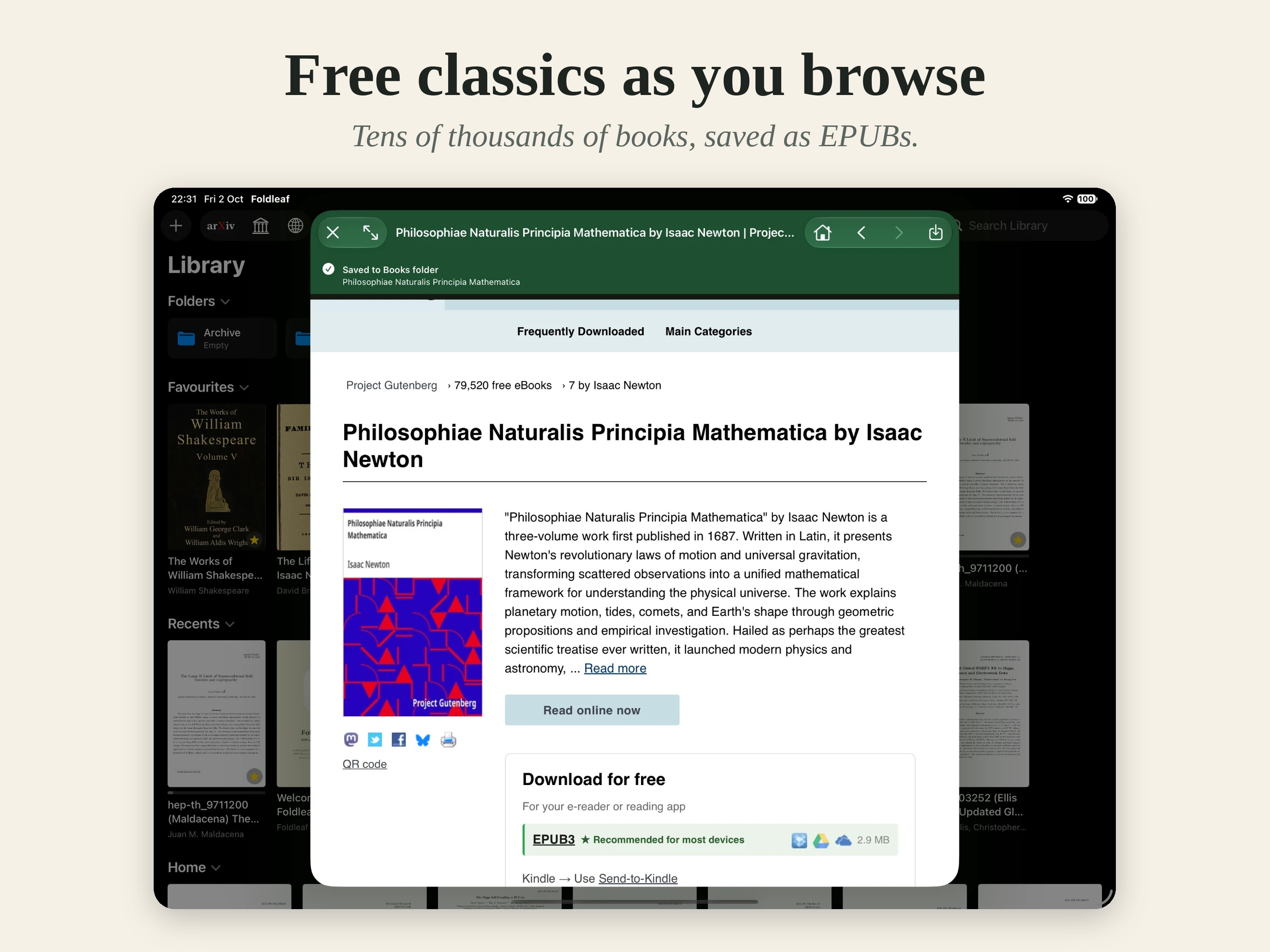
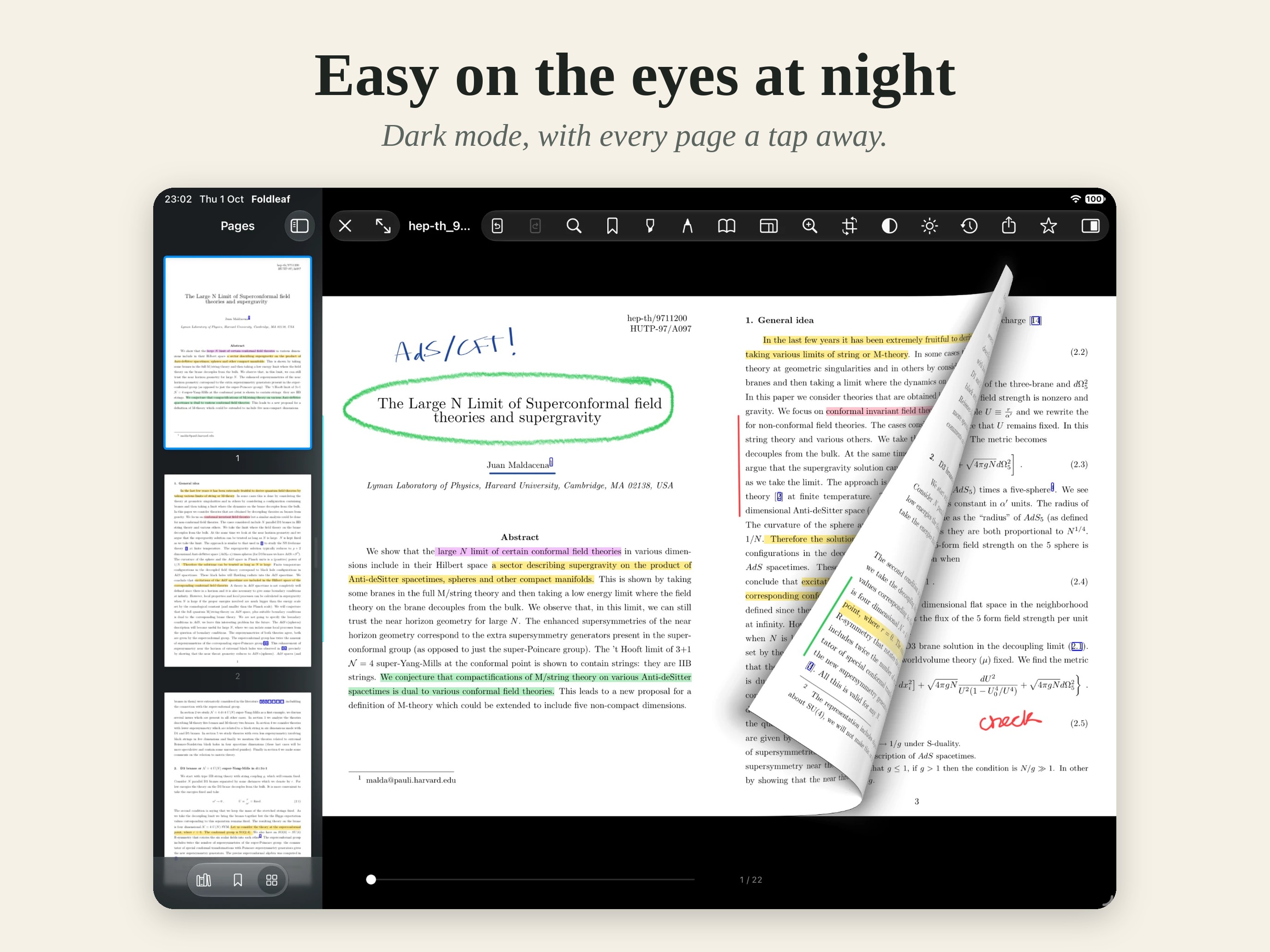
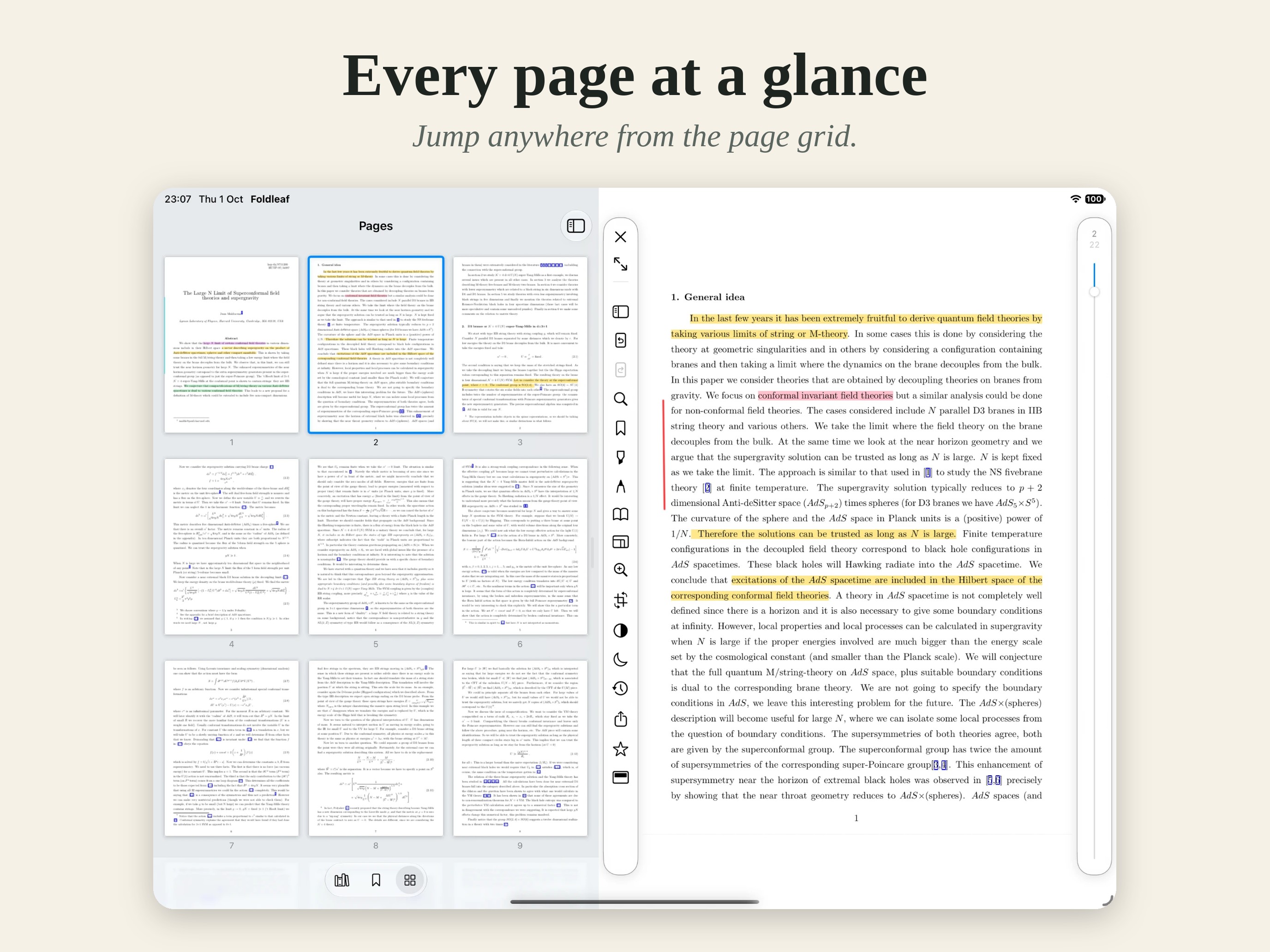
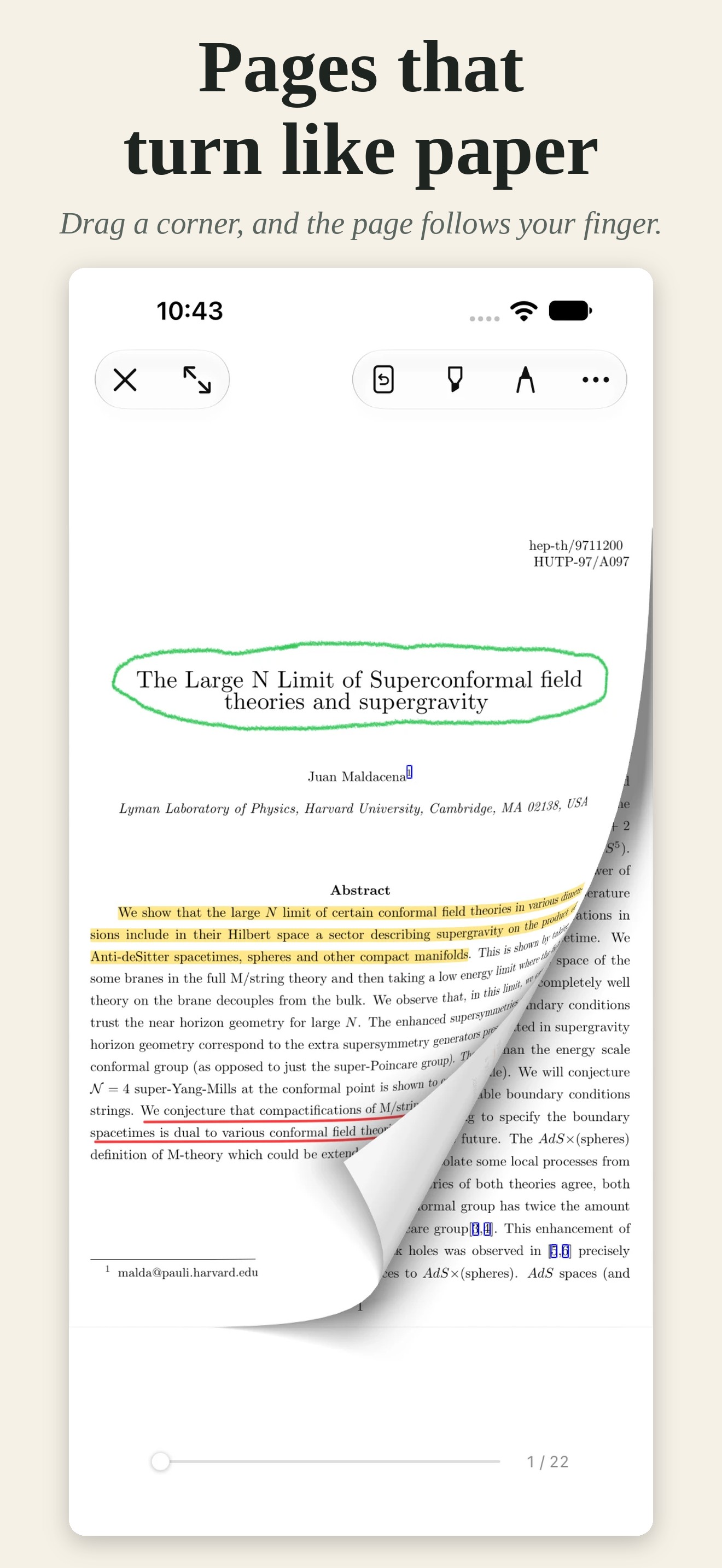
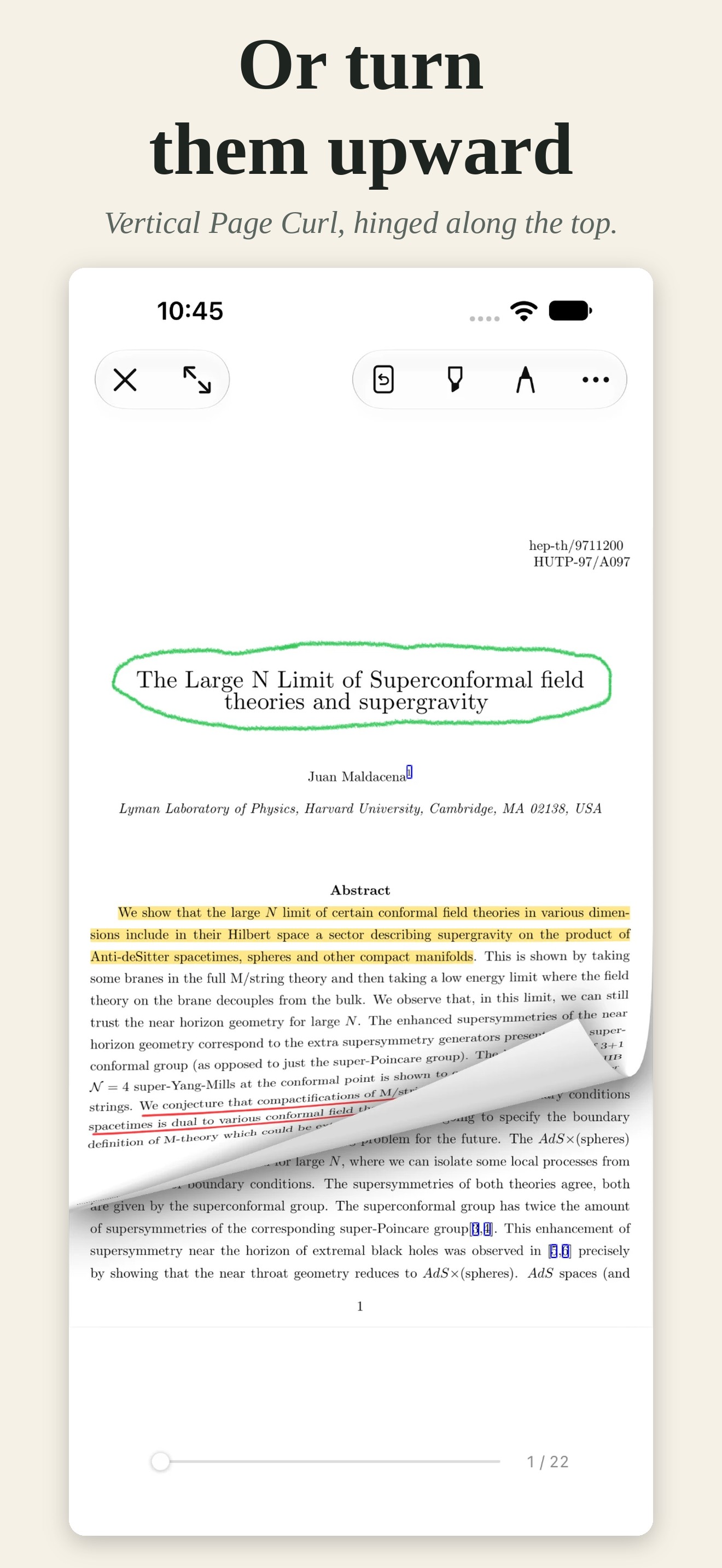
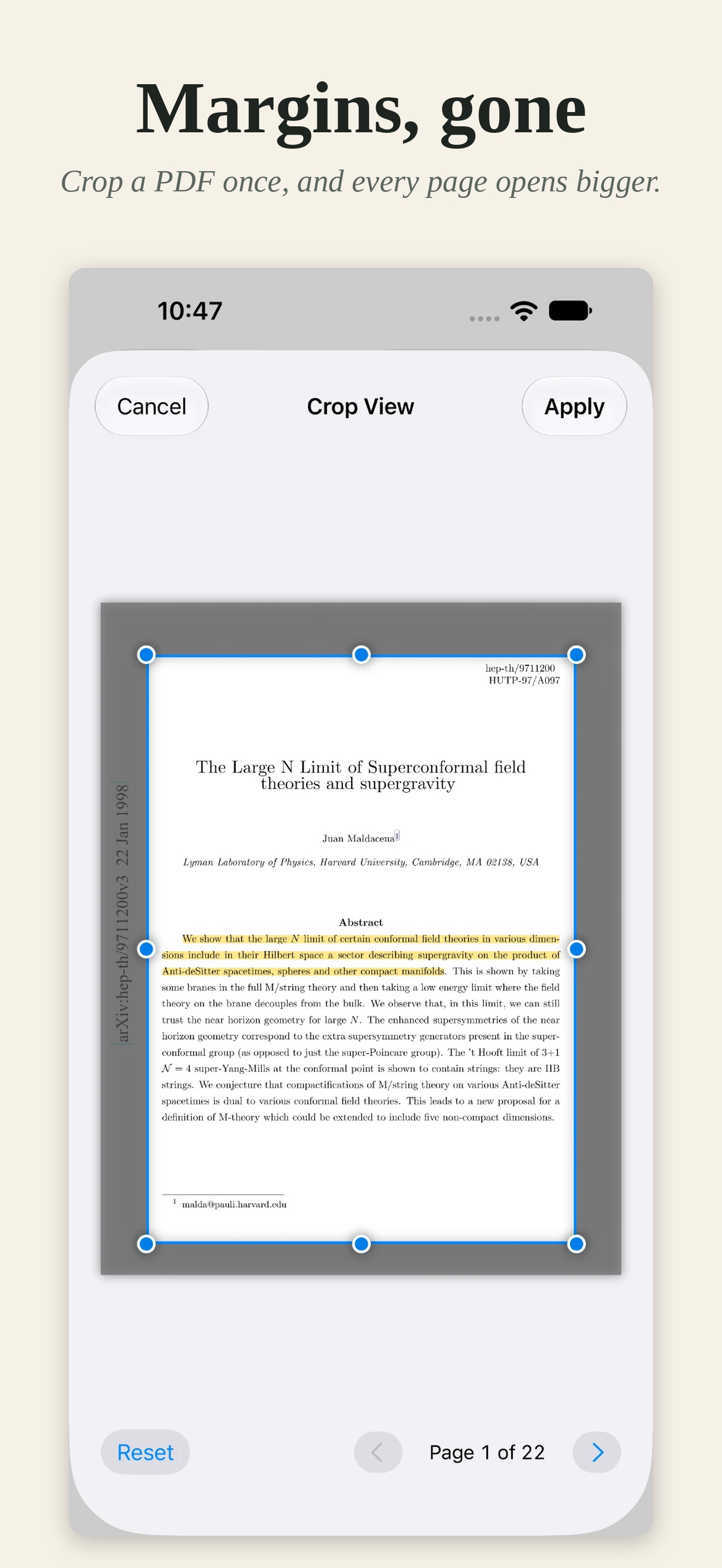
Most academic papers waste a third of every page on white margins, and most reading apps scroll a document like a web page. Foldleaf Reader treats it as paper instead. Pages turn with a curl that follows the finger, sideways like a book or upward like a wall calendar. Crop View trims the margins off every page of a PDF in one go, so the text fills the screen. Four pens and a highlighter answer the Apple Pencil’s pressure and tilt, a held stroke snaps straight, and everything written can be shared as standard PDF annotations. arXiv and Project Gutenberg are built in, so a paper or a classic is a tap away. There is no account and no tracking, and every feature is free to try for 14 days before a single purchase, not a subscription, unlocks them for good.
Fact sheet
- Developer
- Tevong You
- Based in
- London, United Kingdom
- Platforms
- iPad, iPhone, and iPhone Duo
- Requires
- iPadOS 18 or iOS 18 or later
- Release
- Available on the App Store from 8 October 2026
- Price
- Free to download, with every feature free for 14 days. One purchase of £12.99 (launch price £9.99 for a limited time), or the local equivalent, unlocks everything for good, on iPhone and iPad alike. Not a subscription.
- Languages
- English. The App Store listing is also in French, German, Spanish, Italian, Japanese and Portuguese.
- Press contact
- foldleafreader@gmail.com
What it does
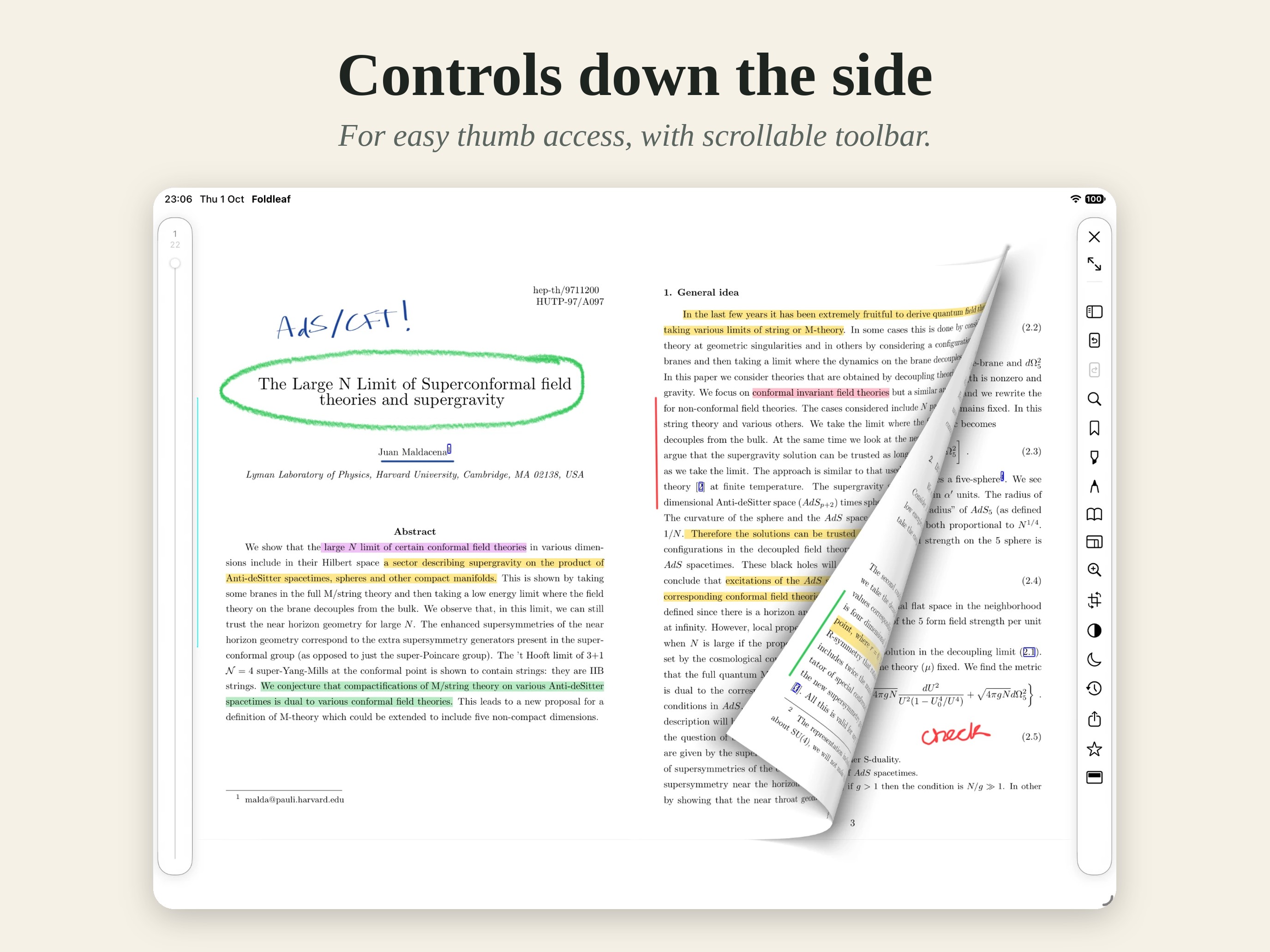
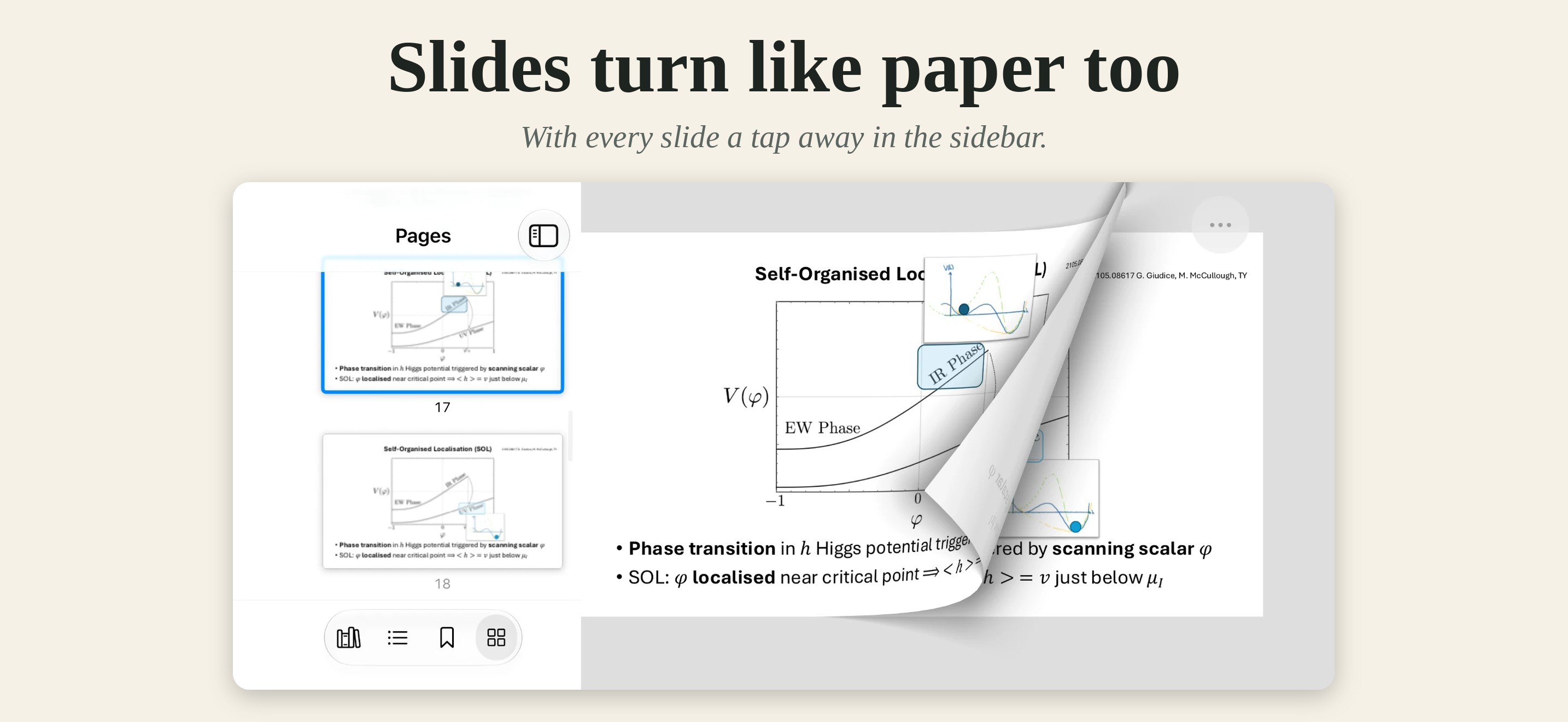
- Page curl that follows the finger, sideways or upward, for PDFs and EPUBs
- Crop View: trim a PDF’s margins once, and the whole document opens that way
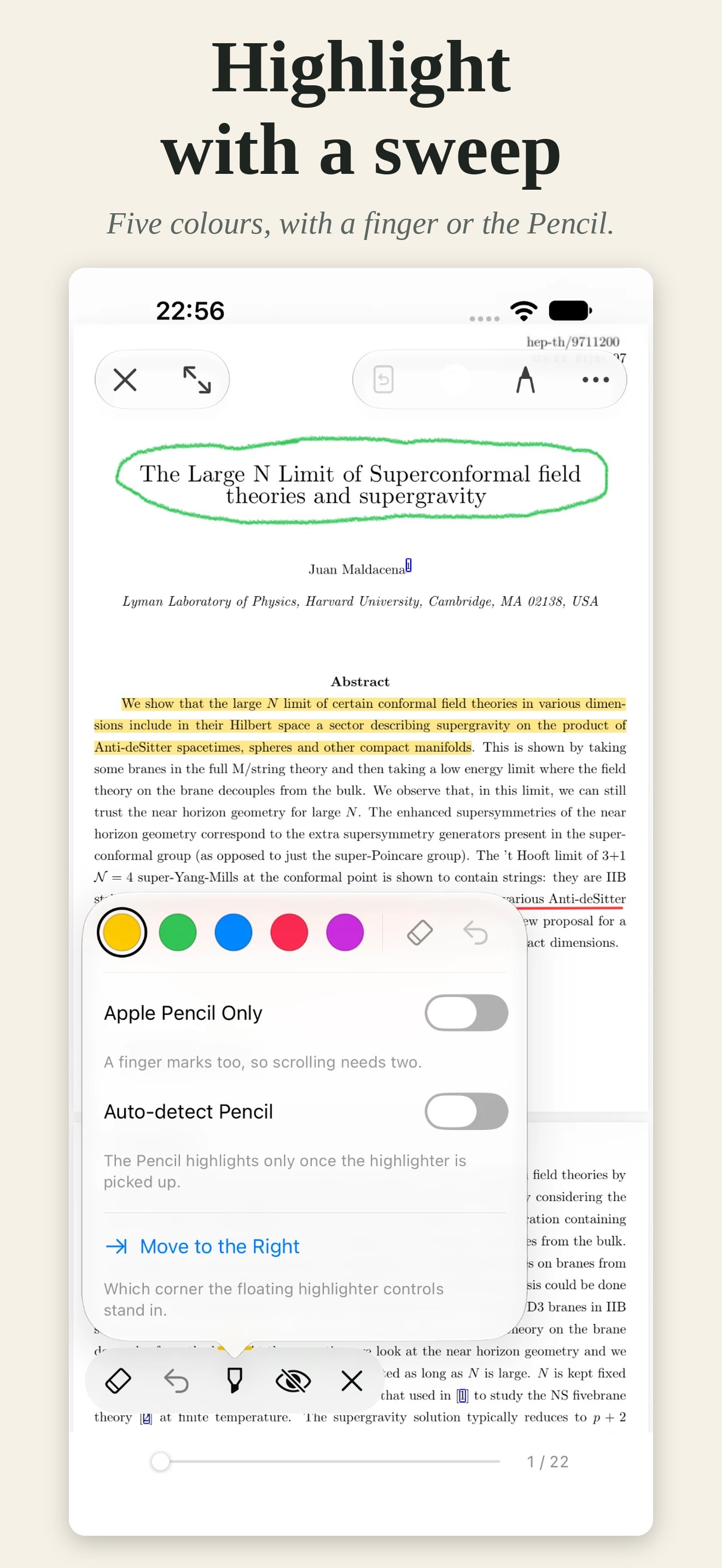
- Apple Pencil: four pens and a highlighter, pressure and tilt, lines that snap straight
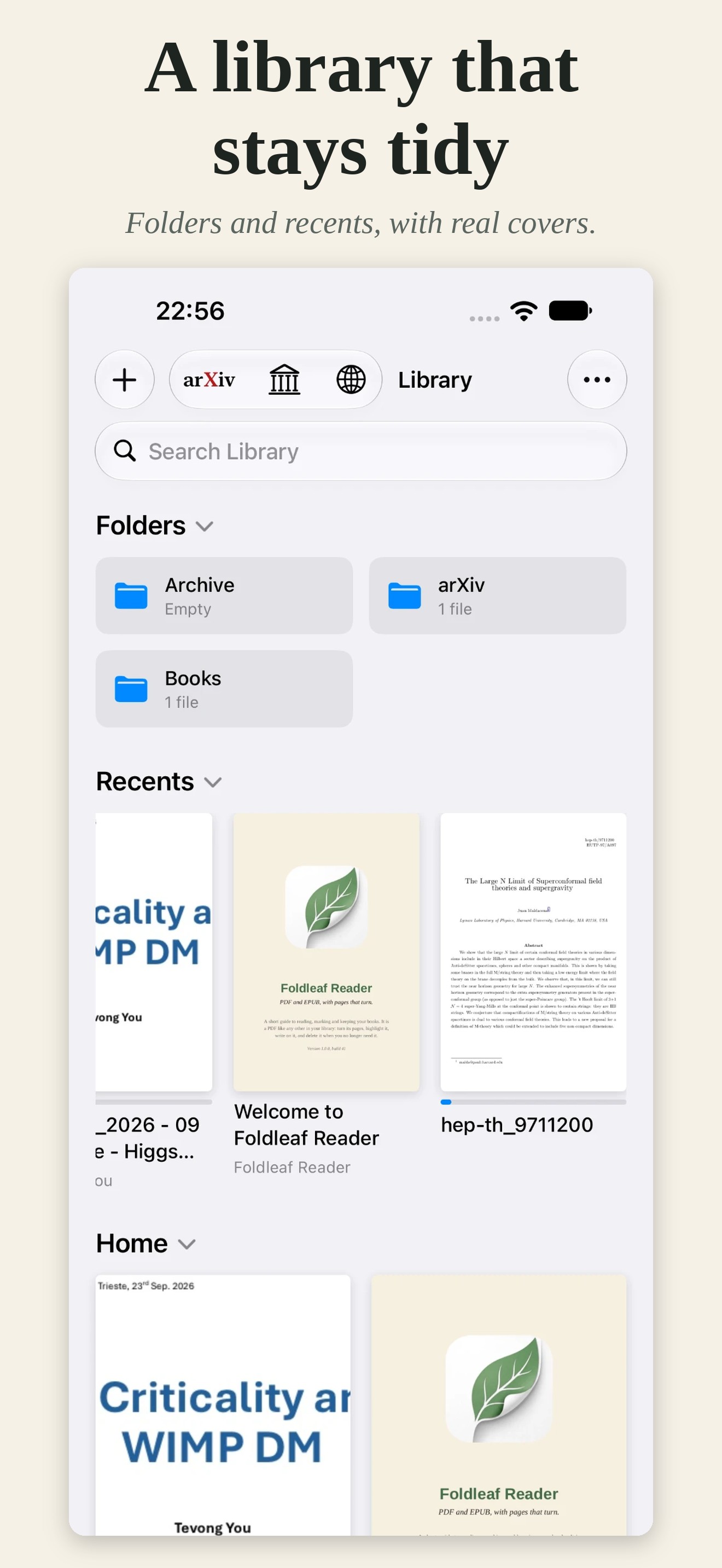
- arXiv and Project Gutenberg built in: papers named for their authors and title, free books saved as EPUBs
- Edit in Place: annotate a PDF where it lives in Files, iCloud Drive included
- Shareable notes: ink and highlights exported as standard PDF annotations
- Made for reading: light and dark, paper colours, controls along the top or down the side, fullscreen
- Private: no account, no sign-in, no tracking, no analytics
Icon

iPad screenshots
Tap one to download it at full size, 2752 × 2064.
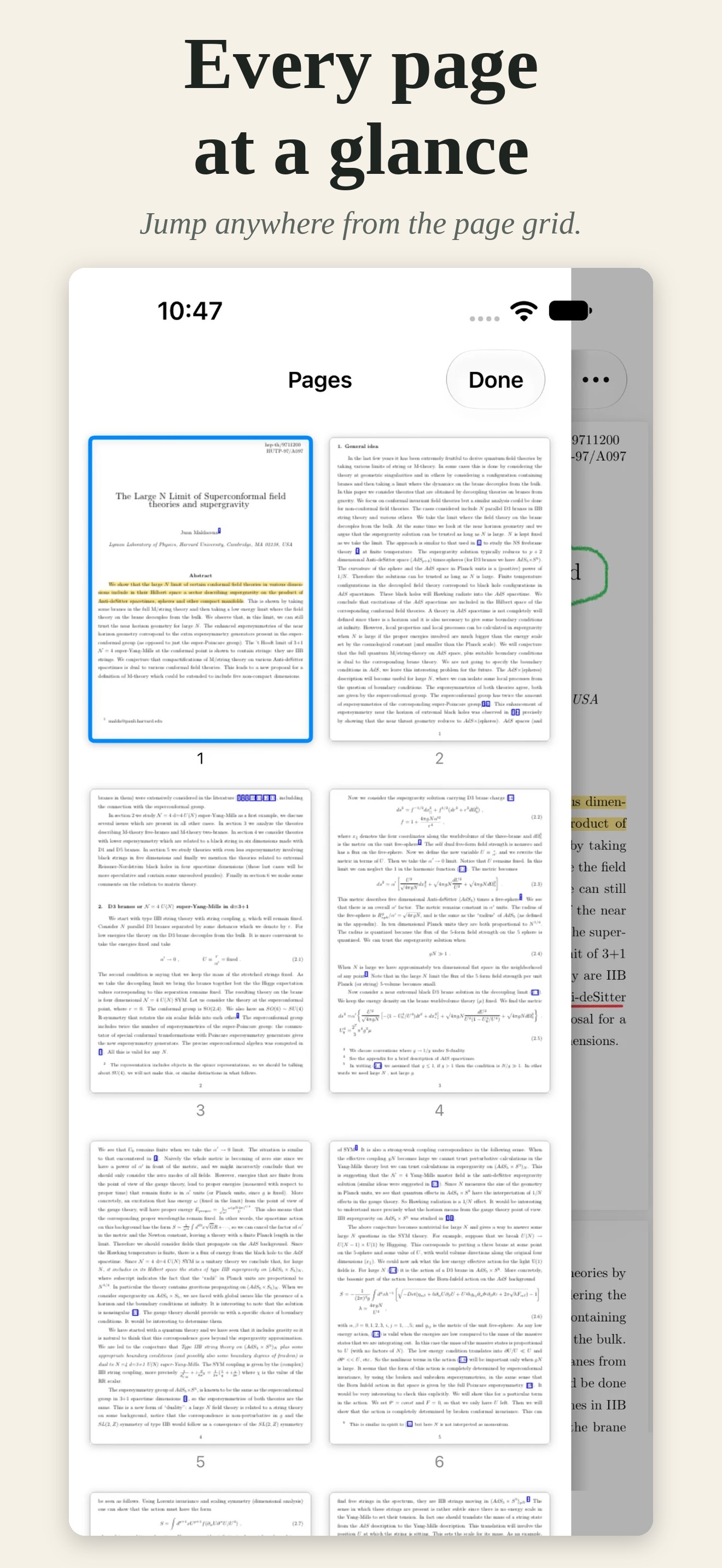
iPhone screenshots
Upright at 1320 × 2868, sideways at 2868 × 1320.
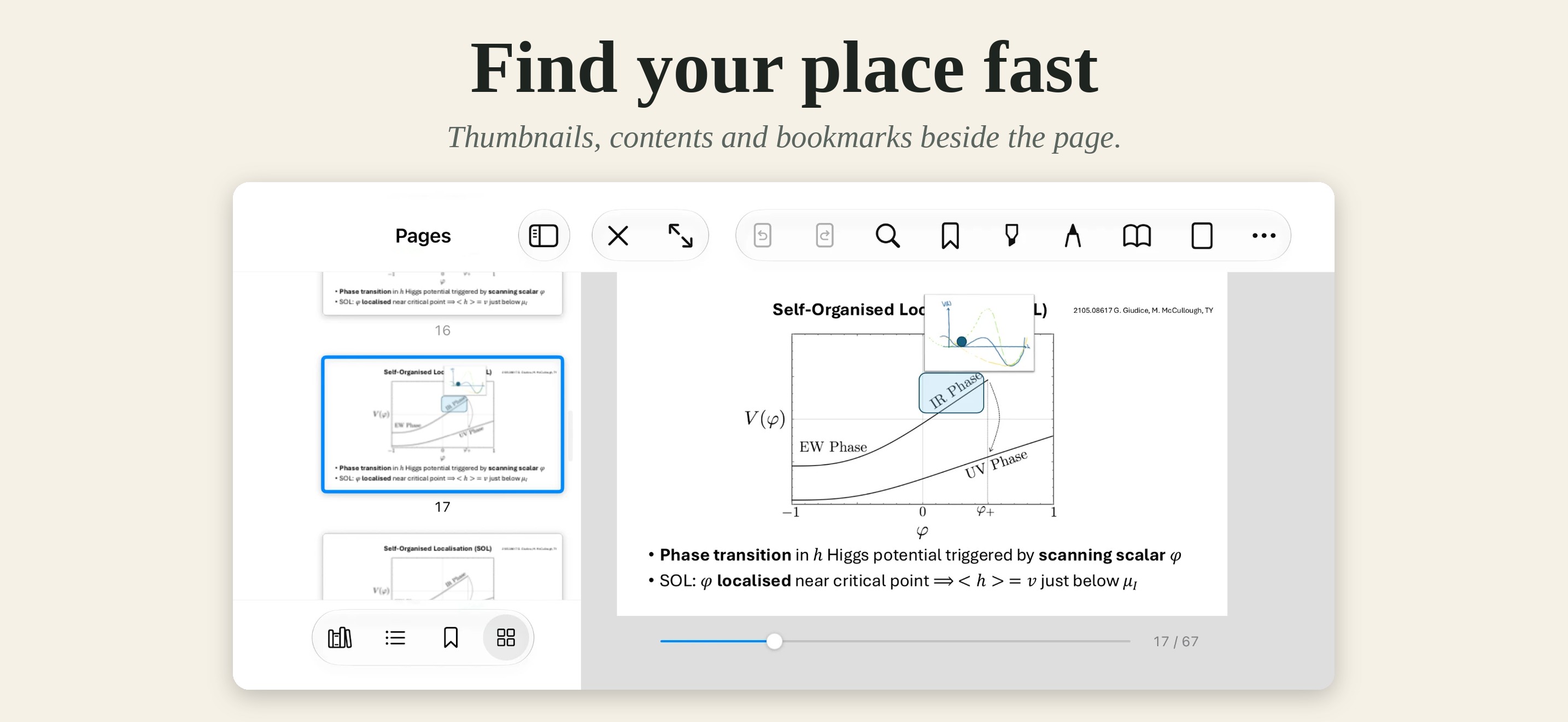
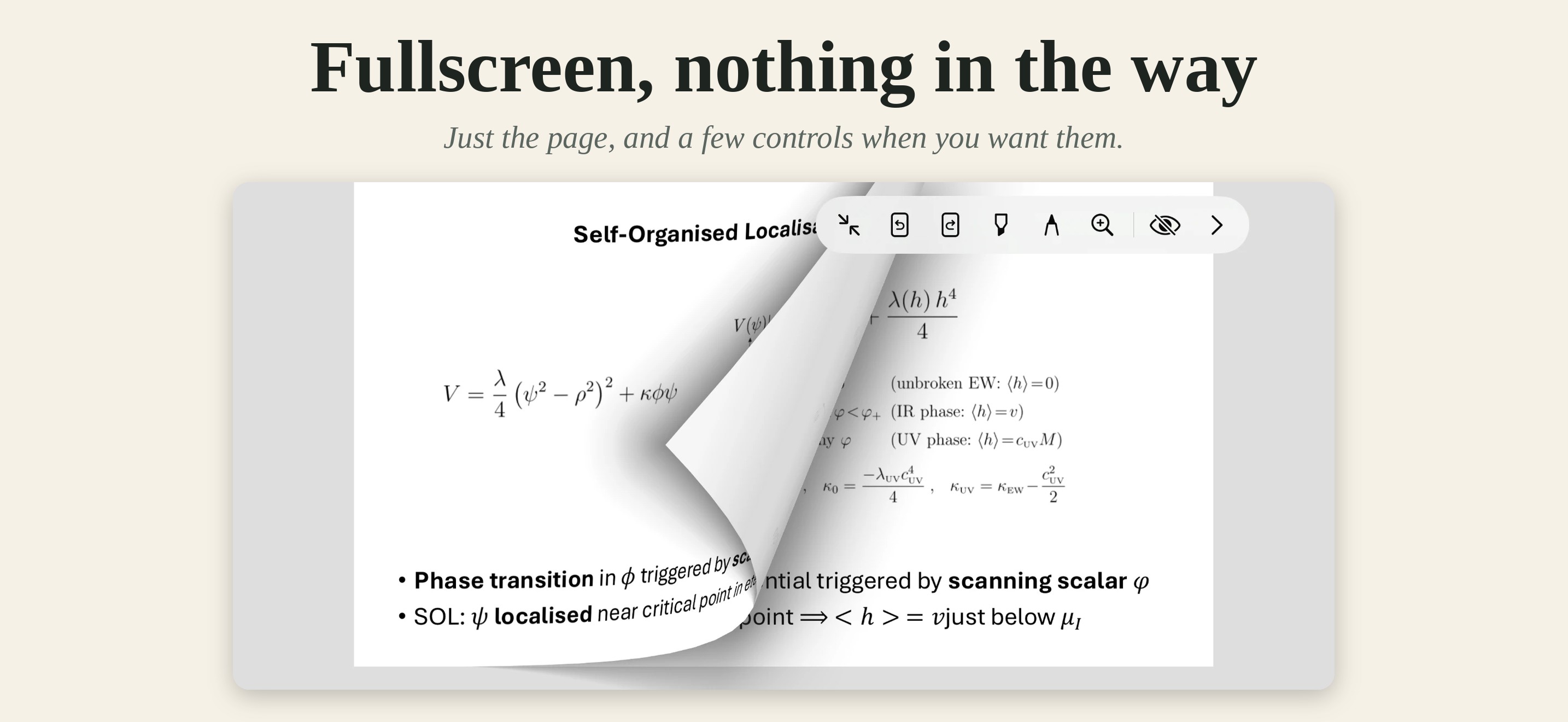
The screenshots and icon may be used in coverage of Foldleaf Reader.